Top Related Projects

A platform for building proxies to bypass network restrictions.
A GUI client for Windows, Linux and macOS, support Xray and sing-box and others

A shadowsocks client for Android

An unidentifiable mechanism that helps you bypass GFW.
Quick Overview
v2rayNG is an Android client for V2Ray, a platform for building proxies to bypass network restrictions. It provides a user-friendly interface for configuring and managing V2Ray connections on Android devices, allowing users to access blocked content and enhance their online privacy.
Pros
- Easy-to-use interface for managing V2Ray configurations
- Supports multiple protocols and encryption methods
- Regular updates and active community support
- Open-source, allowing for transparency and community contributions
Cons
- May require technical knowledge to set up and configure properly
- Performance can vary depending on the server and network conditions
- Limited documentation for advanced features
- Potential legal concerns in some jurisdictions regarding VPN usage
Getting Started
To get started with v2rayNG:
- Download the latest APK from the releases page on GitHub.
- Install the APK on your Android device.
- Open the app and tap the "+" button to add a new server configuration.
- Enter the server details manually or import a configuration file.
- Select the newly added server and tap the "V" button to connect.
For more detailed instructions and advanced usage, refer to the project's wiki on GitHub.
Competitor Comparisons
A platform for building proxies to bypass network restrictions.
Pros of v2ray-core
- Core functionality and protocol implementation
- More extensive documentation and community support
- Better performance and resource efficiency
Cons of v2ray-core
- Lacks a user-friendly GUI
- Requires more technical knowledge to set up and configure
Code Comparison
v2ray-core (Go):
type User struct {
    Level uint32
    Email string
}

type Account struct {
    Id      string
    AlterId uint32
}
v2rayNG (Kotlin):
data class User(
    var level: Int = 0,
    var email: String = ""
)

data class Account(
    var id: String = "",
    var alterId: Int = 0
)
Summary
v2ray-core is the core implementation of the V2Ray protocol, offering robust functionality and performance. It's well-documented and supported by a large community. However, it lacks a built-in GUI and requires more technical expertise to use.
v2rayNG, on the other hand, is an Android client for V2Ray. It provides a user-friendly interface for configuring and using V2Ray on mobile devices. While it may not offer the same level of performance or flexibility as the core implementation, it's more accessible for average users.
The code comparison shows similarities in data structures between the two projects, with v2ray-core using Go and v2rayNG using Kotlin, reflecting their different target platforms and use cases.
A GUI client for Windows, Linux and macOS, support Xray and sing-box and others
Pros of v2rayN
- More feature-rich and customizable for Windows users
- Supports a wider range of protocols and configurations
- Better suited for advanced users with more technical knowledge
Cons of v2rayN
- Limited to Windows platform, less accessible for mobile or cross-platform users
- May have a steeper learning curve for beginners
- Potentially more complex interface compared to v2rayNG's mobile-friendly design
Code Comparison
v2rayN (C#):
public static int RunAsAdmin(string arguments)
{
    Process process = new Process();
    process.StartInfo.FileName = Utils.GetExePath();
    process.StartInfo.Arguments = arguments;
    process.StartInfo.UseShellExecute = true;
    process.StartInfo.Verb = "runas";
    process.Start();
    return process.Id;
}
v2rayNG (Kotlin):
fun startV2Ray() {
    if (!v2rayPoint.isRunning) {
        val result = v2rayPoint.runLoop()
        if (result) {
            MessageUtil.sendMsg2UI(this, AppConfig.MSG_STATE_START_SUCCESS, "")
        } else {
            MessageUtil.sendMsg2UI(this, AppConfig.MSG_STATE_START_FAILURE, "")
        }
    }
}
The code snippets demonstrate different approaches to starting processes or services, reflecting the distinct platforms and languages used in each project.
A shadowsocks client for Android
Pros of shadowsocks-android
- Simpler and more lightweight protocol, potentially faster for basic usage
- Longer development history and wider adoption
- More straightforward setup process for users
Cons of shadowsocks-android
- Less advanced features compared to v2rayNG
- Limited protocol support (primarily Shadowsocks)
- May be less effective against sophisticated network censorship
Code Comparison
shadowsocks-android:
override fun onStartCommand(intent: Intent?, flags: Int, startId: Int): Int {
    if (intent?.action == Action.CLOSE) stopRunner()
    return Service.START_NOT_STICKY
}
v2rayNG:
override fun onStartCommand(intent: Intent?, flags: Int, startId: Int): Int {
    when (intent?.action) {
        Action.SERVICE_START -> startV2Ray()
        Action.SERVICE_STOP -> stopV2Ray()
    }
    return super.onStartCommand(intent, flags, startId)
}
Both projects use Kotlin and have similar service lifecycle management. However, v2rayNG appears to have more granular control over service actions, reflecting its more feature-rich nature compared to the simpler shadowsocks-android implementation.
An unidentifiable mechanism that helps you bypass GFW.
Pros of trojan
- Simpler and more lightweight protocol, potentially faster
- Designed to be undetectable, mimicking HTTPS traffic
- Cross-platform support with implementations in multiple languages
Cons of trojan
- Less feature-rich compared to v2rayNG's multi-protocol support
- Smaller community and ecosystem
- Limited built-in obfuscation options
Code Comparison
v2rayNG (Kotlin):
override fun onBind(intent: Intent): IBinder? {
    return VpnService.prepare(this)
}
trojan (C++):
int main(int argc, char *argv[]) {
    Log::log_with_date_time("Welcome to trojan " + Version::get_version(), Log::FATAL);
    return run_service(argc, argv);
}
v2rayNG is an Android client for the V2Ray core, offering a user-friendly interface and support for multiple protocols. It's written in Kotlin and focuses on mobile usage.
trojan is a lightweight proxy tool designed to bypass network restrictions. It's implemented in C++ and aims for simplicity and undetectability.
Both projects serve similar purposes but differ in their approach and target platforms. v2rayNG offers more flexibility with multiple protocols, while trojan focuses on a single, efficient protocol designed to be undetectable.
Convert  designs to code with AI
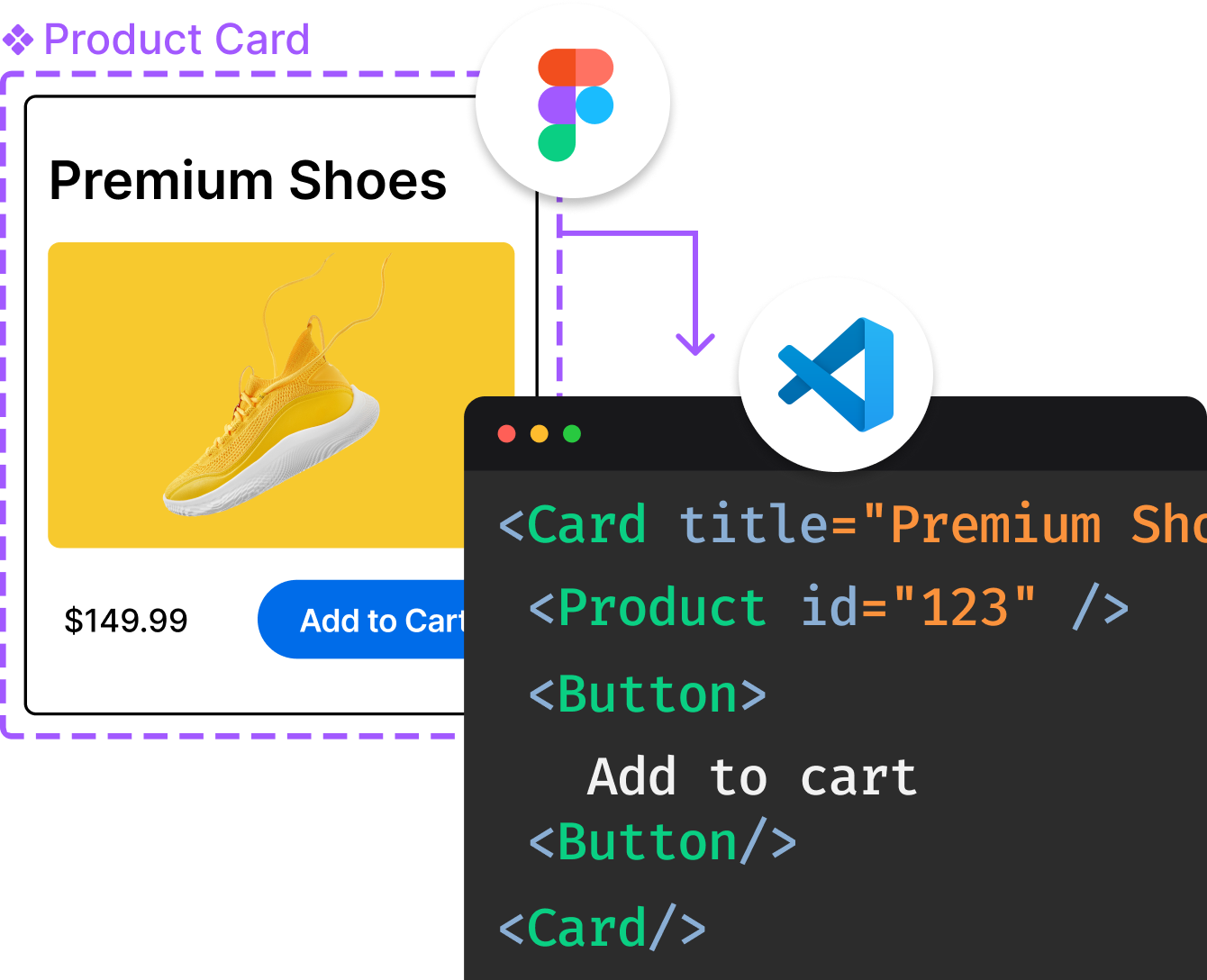
Introducing Visual Copilot: A new AI model to turn Figma designs to high quality code using your components.
Try Visual CopilotREADME
v2rayNG
A V2Ray client for Android, support Xray core and v2fly core


Download / ä¸è½½
Download the latest release here:
å¨è¿éä¸è½½ææ°çæ¬ï¼
https://github.com/2dust/v2rayNG/releases
[!TIP] v2rayNG is the mobile version. For the desktop version, please visit the v2rayN
v2rayNG æ¯ææºçï¼çµèçè¯·è®¿é® v2rayN
Geoip and Geosite
- geoip.dat and geosite.dat files are in
Android/data/com.v2ray.ang/files/assets(path may differ on some Android device) - download feature will get enhanced version in this repo (note: it needs a working proxy)
- latest official domain list and ip list can be imported manually
- possible to use a third-party dat file in the same folder, like h2y
More in our wiki
Geoip ä¸ Geosite
- geoip.dat å geosite.dat æ件ä½äº
Android/data/com.v2ray.ang/files/assetsï¼é¨å设å¤è·¯å¾å¯è½ä¸åï¼ - ä¸è½½åè½å°è·å该 ä»åº ä¸çå¢å¼ºçæ¬ï¼æ³¨æï¼æ¤åè½éè¦ä¸ä¸ªå¯ç¨ç代çï¼
- ææ°å®æ¹ ååå表 å IP å表 å¯æå¨å¯¼å ¥
- ä¹å¯å¨åä¸æ件夹ä¸ä½¿ç¨ç¬¬ä¸æ¹ dat æ件ï¼ä¾å¦ h2y
æ´å¤å 容请è§æ们ç wiki
Development guide / å¼åæå
Note
- Android project under the V2rayNG folder can be compiled directly in Android Studio, or using the Gradle wrapper. But the v2ray core inside the aar is (probably) outdated.
- The aar can be compiled from the Golang project AndroidLibV2rayLite or AndroidLibXrayLite. For a quick start, read the guides for Go Mobile and Makefiles for Go Developers.
- v2rayNG can run on Android Emulators. For WSA, VPN permission needs to be granted via
appops set [package name] ACTIVATE_VPN allow.
æ示
- V2rayNG æ件夹ä¸ç Android 项ç®å¯ç´æ¥å¨ Android Studio ä¸ç¼è¯ï¼æä½¿ç¨ Gradle wrapper ç¼è¯ãä½ aar å ç½®ç v2ray coreï¼å¯è½ï¼å·²è¿æ¶ã
- aar å¯ç± Golang é¡¹ç® AndroidLibV2rayLite æ AndroidLibXrayLite ç¼è¯èæãå¿«éå ¥é¨å¯åè Go Mobile æåå Makefiles for Go Developersã
- v2rayNG å¯å¨ Android 模æå¨ä¸è¿è¡ãå¯¹äº WSAï¼éè¦éè¿
appops set [package name] ACTIVATE_VPN allowæäº VPN æéã
GPG Verification / GPG ç¾åæ ¡éª
Release files are signed with GPG to verify authenticity and integrity, helping prevent mirror, ISP, or CDN hijacking.
åå¸æä»¶å·²ä½¿ç¨ GPG ç¾åï¼å¯ç¨äºæ ¡éªæ件çå®æ§ä¸å®æ´æ§ï¼é¢é²éåç«ãè¿è¥åæ CDN å«æã
Fingerprint / å ¬é¥æ纹
7694 5E9F 3E9A 168F 8070 F195 805D 661C
134D FAF6 8903 C199 463C 31E5 AE90 3AE0
Community / 社åº
Telegram Group / Telegram 群ç»ï¼
Telegram Channel / Telegram é¢éï¼
Top Related Projects
A platform for building proxies to bypass network restrictions.
A GUI client for Windows, Linux and macOS, support Xray and sing-box and others
A shadowsocks client for Android
An unidentifiable mechanism that helps you bypass GFW.
Convert designs to code with AI
Introducing Visual Copilot: A new AI model to turn Figma designs to high quality code using your components.
Try Visual Copilot