
Top Related Projects

JanusGraph: an open-source, distributed graph database

OrientDB is the most versatile DBMS supporting Graph, Document, Reactive, Full-Text and Geospatial models in one Multi-Model product. OrientDB can run distributed (Multi-Master), supports SQL, ACID Transactions, Full-Text indexing and Reactive Queries.

Graphs for Everyone

high-performance graph database for real-time use cases

🥑 ArangoDB is a native multi-model database with flexible data models for documents, graphs, and key-values. Build high performance applications using a convenient SQL-like query language or JavaScript extensions.

A distributed, fast open-source graph database featuring horizontal scalability and high availability
Quick Overview
Apache TinkerPop is an open-source graph computing framework for both graph databases (OLTP) and graph analytic systems (OLAP). It provides a common interface for working with various graph technologies, allowing developers to build applications that can seamlessly switch between different graph backends. TinkerPop's Gremlin graph traversal language is a key component, enabling powerful graph querying and manipulation.
Pros
- Versatile and backend-agnostic, supporting multiple graph databases and processing engines
- Powerful Gremlin query language for complex graph traversals and analytics
- Extensive ecosystem with various language drivers and integrations
- Active community and ongoing development as part of the Apache Software Foundation
Cons
- Steep learning curve, especially for those new to graph databases or the Gremlin language
- Performance can vary depending on the chosen backend and query complexity
- Documentation can be overwhelming due to the breadth of features and supported technologies
Code Examples
- Creating a simple graph and adding vertices and edges:
graph = TinkerGraph.open()
g = graph.traversal()

v1 = g.addV('person').property('name', 'Alice').next()
v2 = g.addV('person').property('name', 'Bob').next()
g.addE('knows').from(v1).to(v2).property('since', 2010).iterate()
- Performing a simple traversal to find friends of friends:
g.V().has('name', 'Alice')
    .out('knows')
    .out('knows')
    .values('name')
    .dedup()
- Calculating the average age of persons in the graph:
g.V().hasLabel('person')
    .values('age')
    .mean()
- Finding the shortest path between two vertices:
g.V().has('name', 'Alice')
    .repeat(__.out().simplePath())
    .until(__.has('name', 'Charlie'))
    .path()
    .limit(1)
Getting Started
To get started with Apache TinkerPop, follow these steps:
- Add the TinkerPop dependency to your project (e.g., using Maven):
<dependency>
    <groupId>org.apache.tinkerpop</groupId>
    <artifactId>gremlin-core</artifactId>
    <version>3.6.1</version>
</dependency>
- Create a graph instance and start traversing:
import org.apache.tinkerpop.gremlin.tinkergraph.structure.TinkerGraph
import org.apache.tinkerpop.gremlin.process.traversal.dsl.graph.GraphTraversalSource

graph = TinkerGraph.open()
g = graph.traversal()

// Add vertices and edges
v1 = g.addV('person').property('name', 'Alice').next()
v2 = g.addV('person').property('name', 'Bob').next()
g.addE('knows').from(v1).to(v2).iterate()

// Perform a traversal
result = g.V().has('name', 'Alice').out('knows').values('name').toList()
println(result)
This example creates a simple graph, adds some data, and performs a basic traversal. Explore the TinkerPop documentation for more advanced usage and features.
Competitor Comparisons
JanusGraph: an open-source, distributed graph database
Pros of JanusGraph
- Designed for distributed storage and processing of large-scale graphs
- Supports various storage backends (e.g., Cassandra, HBase, Berkeley DB)
- Offers advanced indexing capabilities for improved query performance
Cons of JanusGraph
- Steeper learning curve due to its complexity and distributed nature
- May have higher operational overhead for smaller-scale applications
- Less mature ecosystem compared to TinkerPop's broader adoption
Code Comparison
TinkerPop (Gremlin traversal):
g.V().hasLabel('person').has('name', 'John').out('knows').values('name')
JanusGraph (using Gremlin with JanusGraph-specific features):
g.V().has('person', 'name', 'John').out('knows').values('name')
  .has('city', textContains('New York'))
Both projects use Gremlin for graph traversals, but JanusGraph extends TinkerPop's capabilities with additional features like full-text search and geospatial queries. TinkerPop provides a more general-purpose graph computing framework, while JanusGraph focuses on scalable graph database implementation with specific optimizations for large-scale graphs.
OrientDB is the most versatile DBMS supporting Graph, Document, Reactive, Full-Text and Geospatial models in one Multi-Model product. OrientDB can run distributed (Multi-Master), supports SQL, ACID Transactions, Full-Text indexing and Reactive Queries.
Pros of OrientDB
- Native support for graph, document, key/value, and object models
- Multi-master replication for high availability and scalability
- Built-in security features with role-based access control
Cons of OrientDB
- Steeper learning curve due to its multi-model approach
- Less extensive documentation compared to TinkerPop
- Smaller community and ecosystem
Code Comparison
OrientDB query example:
SELECT FROM Person
WHERE name = 'John'
AND age > 30
TinkerPop (Gremlin) query example:
g.V().hasLabel('person')
     .has('name', 'John')
     .has('age', gt(30))
Key Differences
- OrientDB is a multi-model database system, while TinkerPop is a graph computing framework
- OrientDB has its own query language (SQL-like), whereas TinkerPop uses Gremlin
- TinkerPop is more focused on graph traversals and analytics, while OrientDB offers broader database functionality
Use Cases
- OrientDB: Suitable for projects requiring multiple data models or complex relationships
- TinkerPop: Ideal for graph-specific applications and those needing a standardized graph API
Both projects have their strengths, and the choice between them depends on specific project requirements and the development team's expertise.
Graphs for Everyone
Pros of Neo4j
- Native graph database with optimized storage and querying
- Robust ACID-compliant transactions and high availability features
- Comprehensive ecosystem with visualization tools and drivers
Cons of Neo4j
- Proprietary query language (Cypher) vs. TinkerPop's Gremlin
- Less flexible for supporting multiple graph backends
- Steeper learning curve for developers new to graph databases
Code Comparison
Neo4j (Cypher):
MATCH (p:Person)-[:KNOWS]->(f:Person)
WHERE p.name = 'Alice'
RETURN f.name
TinkerPop (Gremlin):
g.V().has('name', 'Alice').out('knows').values('name')
Both examples find friends of Alice, but Neo4j uses its native Cypher language, while TinkerPop uses the more generic Gremlin traversal language.
Key Differences
- Neo4j is a complete graph database solution, while TinkerPop is a graph computing framework
- TinkerPop offers greater flexibility with multiple graph backends, whereas Neo4j is focused on its own database
- Neo4j provides a more integrated ecosystem for enterprise use, while TinkerPop allows for more customization and interoperability
high-performance graph database for real-time use cases
Pros of Dgraph
- Native GraphQL support, allowing for easier integration with modern web applications
- Designed for horizontal scalability, making it suitable for large-scale distributed systems
- Built-in ACID transactions, ensuring data consistency in distributed environments
Cons of Dgraph
- Less mature ecosystem compared to TinkerPop, with fewer third-party integrations
- Steeper learning curve for developers not familiar with GraphQL or distributed systems
- Limited support for complex graph traversals compared to TinkerPop's Gremlin language
Code Comparison
Dgraph query example:
{
  user(func: eq(name, "Alice")) {
    name
    friends {
      name
    }
  }
}
TinkerPop (Gremlin) query example:
g.V().has('name', 'Alice').
  out('friends').
  values('name')
Both examples retrieve a user named Alice and their friends' names, but Dgraph uses GraphQL syntax while TinkerPop uses Gremlin traversal language. Dgraph's approach may be more familiar to developers with GraphQL experience, while TinkerPop's Gremlin offers more flexibility for complex graph traversals.
🥑 ArangoDB is a native multi-model database with flexible data models for documents, graphs, and key-values. Build high performance applications using a convenient SQL-like query language or JavaScript extensions.
Pros of ArangoDB
- Multi-model database supporting key/value, document, and graph data models
- Native multi-threaded implementation for better performance
- Built-in web interface for easier management and querying
Cons of ArangoDB
- Steeper learning curve due to its unique query language (AQL)
- Less extensive ecosystem and community support
- More resource-intensive, especially for smaller datasets
Code Comparison
ArangoDB query example:
FOR user IN users
  FILTER user.age >= 18
  RETURN user.name
TinkerPop (Gremlin) query example:
g.V().hasLabel('user').has('age', gte(18)).values('name')
Summary
ArangoDB offers a versatile multi-model database solution with strong performance, while TinkerPop provides a graph computing framework with broader language support. ArangoDB may be better suited for complex data models and larger datasets, whereas TinkerPop excels in graph-specific use cases and offers more flexibility in terms of language integrations.
A distributed, fast open-source graph database featuring horizontal scalability and high availability
Pros of Nebula
- Designed specifically for large-scale graph databases, offering better performance for massive graphs
- Supports native graph storage and processing, optimized for graph-specific operations
- Provides a flexible schema design, allowing for easy adaptation to changing data structures
Cons of Nebula
- Relatively newer project with a smaller community compared to TinkerPop
- Limited ecosystem and third-party tool integration compared to TinkerPop's extensive ecosystem
- Steeper learning curve for users familiar with traditional relational databases
Code Comparison
Nebula Graph query example:
MATCH (p:Person)-[:FOLLOWS]->(f:Person)
WHERE p.name = 'John'
RETURN f.name, f.age
TinkerPop (Gremlin) query example:
g.V().has('name', 'John').out('follows').values('name', 'age')
Both examples demonstrate a simple graph traversal to find followers of a person named John. Nebula uses a Cypher-like syntax, while TinkerPop uses Gremlin, which is more programmatic in nature. Nebula's syntax may be more intuitive for SQL users, while Gremlin offers more flexibility and composability for complex queries.
Convert  designs to code with AI

Introducing Visual Copilot: A new AI model to turn Figma designs to high quality code using your components.
Try Visual CopilotREADME
Apache TinkerPop





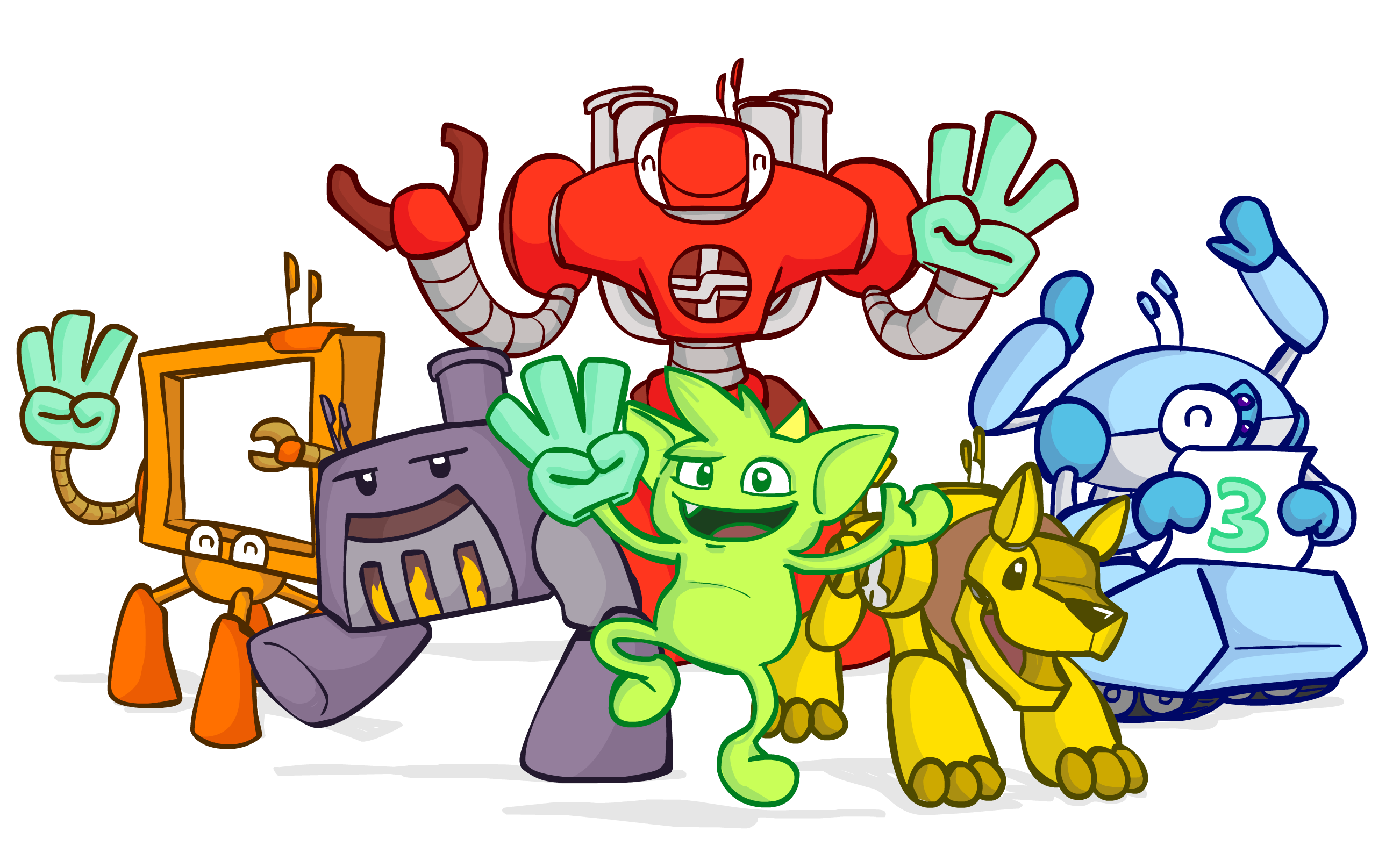
Apache TinkerPop⢠is a graph computing framework for both graph databases (OLTP) and graph analytic systems (OLAP). It provides the Gremlin graph traversal language, drivers, and tools for working with property graphs across a wide variety of underlying data systems.
Project overview
TinkerPop defines a common interface and language (Gremlin) so that applications can work against many different graph systems without being locked into a single vendor. It includes a reference inâmemory graph database (TinkerGraph), Gremlin Server, language variants, and a rich collection of recipes and documentation.
Key resources:
- Website: https://tinkerpop.apache.org
- Documentation Index: https://tinkerpop.apache.org/docs/current/index.html
- Upgrade documentation: https://tinkerpop.apache.org/docs/current/upgrade/
- Reference documentation: https://tinkerpop.apache.org/docs/current/reference/
- Recipes: https://tinkerpop.apache.org/docs/current/recipes/
- Provider documentation and Gremlin Semantics: https://tinkerpop.apache.org/docs/current/dev/provider
- Developer documentation: https://tinkerpop.apache.org/docs/current/dev/developer
- IO Documentation: https://tinkerpop.apache.org/docs/current/dev/io
- Roadmap and proposals: https://tinkerpop.apache.org/docs/current/dev/future/
- Javadocs: https://tinkerpop.apache.org/javadocs/current/full/, core javadoc
Building and Testing
TinkerPop uses Maven and requires Java 11/17 for proper building and proper operations. To build, execute unit tests and package Gremlin Console/Server run:
mvn clean install
Please see the Building on Windows section for Windows-specific build instructions.
The zip distributions can be found in the following directories:
gremlin-server/targetgremlin-console/target
Please see the CONTRIBUTING.md file for more detailed information and options for building, test running and developing TinkerPop.
Get Started
Download Gremlin Console (compatible with Java 11/17) and unzip to a directory, then:
$ bin/gremlin.sh

         \,,,/
         (o o)
-----oOOo-(3)-oOOo-----
plugin activated: tinkerpop.server
plugin activated: tinkerpop.utilities
plugin activated: tinkerpop.tinkergraph
gremlin> Gremlin.version()
==>3.8.0
gremlin> graph = TinkerFactory.createModern()
==>tinkergraph[vertices:6 edges:6]
gremlin> g = traversal().with(graph)
==>graphtraversalsource[tinkergraph[vertices:6 edges:6], standard]
gremlin> g.V().has('name','vadas').valueMap()
==>[name:[vadas], age:[27]]
From the Gremlin Console, you can connect to a TinkerGraph instance and run your first traversals. Refer to the Getting Started for detailed walkthroughs and examples.
Using TinkerPop
Common ways to use TinkerPop include:
- Embedding TinkerGraph in your application for development, testing, or lightweight graph workloads.
- Connecting to a Gremlinâenabled graph database via drivers or Gremlin Server.
- Running Gremlin traversals from the JVM, or via Gremlin Language Variants (Python, .NET, JavaScript, Go, etc.).
- Using the Gremlin Console for interactive exploration, debugging, and learning.
See the Reference Documentation for supported features, configuration options, and other details.
Documentation
The full TinkerPop documentation is published on the project website and is also maintained in this repository under
docs/src/ as AsciiDoc âbooks.â
When changing or adding documentation, follow the existing AsciiDoc structure in docs/src/** and update the
relevant index.asciidoc files so new content is included in the build.
Contributing
Contributions to Apache TinkerPop are welcome. The Developer Documentation and contributing guide describe how to set up a development environment, run tests, and submit changes.
- Contribution guidelines:
CONTRIBUTING.mdin the repository root. - Developer documentation: https://tinkerpop.apache.org/docs/current/dev/developer/
Before opening a pull request, please:
- Discuss larger changes on the appropriate Apache mailing list.
- Ensure tests pass locally and, where appropriate, add new tests and documentation.
- Update
CHANGELOG.asciidocand upgrade docs when behavior or public APIs change.
Using AI and IDE assistants
If you use AI coding agents or IDE assistants when working on TinkerPop, please consult AGENTS.md. That file
summarizes:
- Recommended build and test commands.
- Code style and testing conventions.
- âDo and donâtâ guidance specific to automated tools.
AGENTS.md is a concise guide for tools and toolâusing contributors, while CONTRIBUTING.md and the
Developer Documentation remain the canonical sources for
project policies and processes.
License
Apache TinkerPop is an open source project of The Apache Software Foundation and is licensed under the Apache License,
Version 2.0. See the LICENSE file in this repository for details.
Top Related Projects
JanusGraph: an open-source, distributed graph database
OrientDB is the most versatile DBMS supporting Graph, Document, Reactive, Full-Text and Geospatial models in one Multi-Model product. OrientDB can run distributed (Multi-Master), supports SQL, ACID Transactions, Full-Text indexing and Reactive Queries.
Graphs for Everyone
high-performance graph database for real-time use cases
🥑 ArangoDB is a native multi-model database with flexible data models for documents, graphs, and key-values. Build high performance applications using a convenient SQL-like query language or JavaScript extensions.
A distributed, fast open-source graph database featuring horizontal scalability and high availability
Convert designs to code with AI
Introducing Visual Copilot: A new AI model to turn Figma designs to high quality code using your components.
Try Visual Copilot