 cucumber-rails
Rails Generators for Cucumber with special support for Capybara and DatabaseCleaner
Top Related Projects

Ruby on Rails

RSpec for Rails 7+

A library for setting up Ruby objects as test data.

Acceptance test framework for web applications

A library for generating fake data such as names, addresses, and phone numbers.
Quick Overview
Cucumber-Rails is a Ruby gem that integrates Cucumber with Ruby on Rails for Behavior-Driven Development (BDD). It allows developers to write and run automated acceptance tests for Rails applications using natural language specifications, making it easier to collaborate with non-technical stakeholders and ensure software quality.
Pros
- Enables writing tests in plain language, improving communication between developers and stakeholders
- Seamlessly integrates with Ruby on Rails, providing a smooth testing experience
- Supports database cleansing and transaction management out of the box
- Encourages best practices in BDD and test-driven development
Cons
- Can be slower than other testing frameworks for large test suites
- Requires additional setup and configuration compared to built-in Rails testing tools
- Learning curve for writing effective Cucumber scenarios and step definitions
- May lead to duplication of test code if not managed properly
Code Examples
- Writing a simple Cucumber feature:
Feature: User authentication
  Scenario: Successful login
    Given I am on the login page
    When I fill in "Email" with "user@example.com"
    And I fill in "Password" with "password123"
    And I click "Log In"
    Then I should see "Welcome, User!"
- Implementing step definitions:
Given("I am on the login page") do
  visit login_path
end

When("I fill in {string} with {string}") do |field, value|
  fill_in field, with: value
end

When("I click {string}") do |button|
  click_button button
end

Then("I should see {string}") do |text|
  expect(page).to have_content(text)
end
- Using Cucumber-Rails helpers in step definitions:
Then("I should have {int} users in the database") do |count|
  expect(User.count).to eq(count)
end

When("I attach the file {string} to {string}") do |file, field|
  attach_file(field, Rails.root.join('features', 'support', 'files', file))
end
Getting Started
To get started with Cucumber-Rails:
-
Add to your Gemfile:
group :test do gem 'cucumber-rails', require: false gem 'database_cleaner' end -
Install the gems:
bundle install -
Bootstrap your Rails app:
rails generate cucumber:install -
Run your Cucumber tests:
bundle exec cucumber
Competitor Comparisons
Ruby on Rails
Pros of Rails
- Comprehensive full-stack framework with integrated ORM, routing, and view rendering
- Large ecosystem with extensive gem support and community resources
- Built-in development tools like generators and database migrations
Cons of Rails
- Steeper learning curve due to its size and conventions
- Can be overkill for smaller projects or APIs
- Less flexibility in choosing individual components
Code Comparison
Rails (config/routes.rb):
Rails.application.routes.draw do
  resources :users
  root 'home#index'
end
Cucumber-Rails (features/step_definitions/user_steps.rb):
Given(/^I am on the homepage$/) do
  visit root_path
end

When(/^I click on "([^"]*)"$/) do |link_text|
  click_link(link_text)
end
Rails focuses on defining routes and resources, while Cucumber-Rails is used for writing behavior-driven tests. Rails provides a full application structure, whereas Cucumber-Rails is a testing tool that integrates with Rails applications.
Rails is better suited for developers who want a complete framework with built-in conventions and tools. Cucumber-Rails is ideal for teams emphasizing behavior-driven development and detailed acceptance testing.
The choice between the two depends on project requirements, team preferences, and development approach. Many projects use both: Rails for the application framework and Cucumber-Rails for acceptance testing.
RSpec for Rails 7+
Pros of rspec-rails
- More concise and readable syntax for writing tests
- Faster test execution due to less overhead
- Better integration with Ruby and Rails ecosystem
Cons of rspec-rails
- Steeper learning curve for non-technical stakeholders
- Less emphasis on behavior-driven development (BDD) principles
- May require more setup for integration tests
Code Comparison
rspec-rails:
describe User do
  it "is valid with a name and email" do
    user = User.new(name: "John", email: "john@example.com")
    expect(user).to be_valid
  end
end
cucumber-rails:
Feature: User validation
  Scenario: Valid user
    Given I have a user with name "John" and email "john@example.com"
    When I validate the user
    Then the user should be valid
cucumber-rails focuses on natural language descriptions of features and scenarios, making it easier for non-technical stakeholders to understand and contribute to test cases. rspec-rails, on the other hand, provides a more programmatic approach to testing, which can be more efficient for developers but may be less accessible to non-technical team members.
Both frameworks have their strengths and can be used together in a project to leverage their respective advantages. The choice between them often depends on the team's composition, project requirements, and testing philosophy.
A library for setting up Ruby objects as test data.
Pros of Factory Bot
- Simpler setup and faster execution compared to Cucumber's scenario-based approach
- More flexible for creating test data with associations and traits
- Better suited for unit and integration testing
Cons of Factory Bot
- Less readable for non-technical stakeholders
- Doesn't provide a natural language interface for behavior-driven development
- May encourage overuse of complex factories, leading to slower tests
Code Comparison
Factory Bot:
FactoryBot.define do
  factory :user do
    name { "John Doe" }
    email { "john@example.com" }
  end
end

user = FactoryBot.create(:user)
Cucumber Rails:
Given("a user named John") do
  @user = User.create(name: "John Doe", email: "john@example.com")
end

When("I visit the user's profile page") do
  visit user_path(@user)
end
Factory Bot excels in creating test data efficiently, while Cucumber Rails shines in describing application behavior in a human-readable format. Factory Bot is more code-centric and flexible, whereas Cucumber Rails focuses on bridging the gap between technical and non-technical team members through its Gherkin syntax. The choice between the two depends on the project's testing needs and team composition.
Acceptance test framework for web applications
Pros of Capybara
- More flexible and can be used with various testing frameworks, not limited to Cucumber
- Simpler syntax for writing tests, especially for developers who prefer Ruby over Gherkin
- Faster test execution due to less overhead
Cons of Capybara
- Lacks the natural language approach that Cucumber offers for non-technical stakeholders
- Doesn't provide the same level of structured behavior-driven development (BDD) as Cucumber-Rails
Code Comparison
Capybara:
visit '/users/sign_in'
fill_in 'Email', with: 'user@example.com'
fill_in 'Password', with: 'password'
click_button 'Log in'
expect(page).to have_content 'Logged in successfully'
Cucumber-Rails:
Given I am on the login page
When I fill in "Email" with "user@example.com"
And I fill in "Password" with "password"
And I click "Log in"
Then I should see "Logged in successfully"
Capybara provides a more concise, Ruby-native approach, while Cucumber-Rails offers a more readable, scenario-based structure. Capybara is often preferred by developers for its simplicity and flexibility, while Cucumber-Rails is valued for its BDD approach and stakeholder-friendly syntax.
A library for generating fake data such as names, addresses, and phone numbers.
Pros of Faker
- More versatile, can be used in various testing scenarios beyond just Rails
- Simpler to set up and use, with a straightforward API
- Regularly updated with new fake data types and locales
Cons of Faker
- Lacks built-in integration with Rails testing frameworks
- Doesn't provide a complete testing solution like Cucumber Rails
- May require additional setup for use in Rails-specific testing scenarios
Code Comparison
Faker example:
require 'faker'

Faker::Name.name          # => "Christophe Bartell"
Faker::Internet.email     # => "kirsten.greenholt@corkeryfisher.info"
Faker::Lorem.sentence     # => "Dolore illum animi et neque accusantium."
Cucumber Rails example:
Given(/^I am on the homepage$/) do
  visit root_path
end

When(/^I fill in "([^"]*)" with "([^"]*)"$/) do |field, value|
  fill_in(field, with: value)
end
While Faker focuses on generating fake data, Cucumber Rails provides a complete BDD testing framework for Rails applications. Faker is more flexible and can be used in various contexts, while Cucumber Rails is specifically designed for Rails testing with a focus on readable, behavior-driven tests.
Convert  designs to code with AI
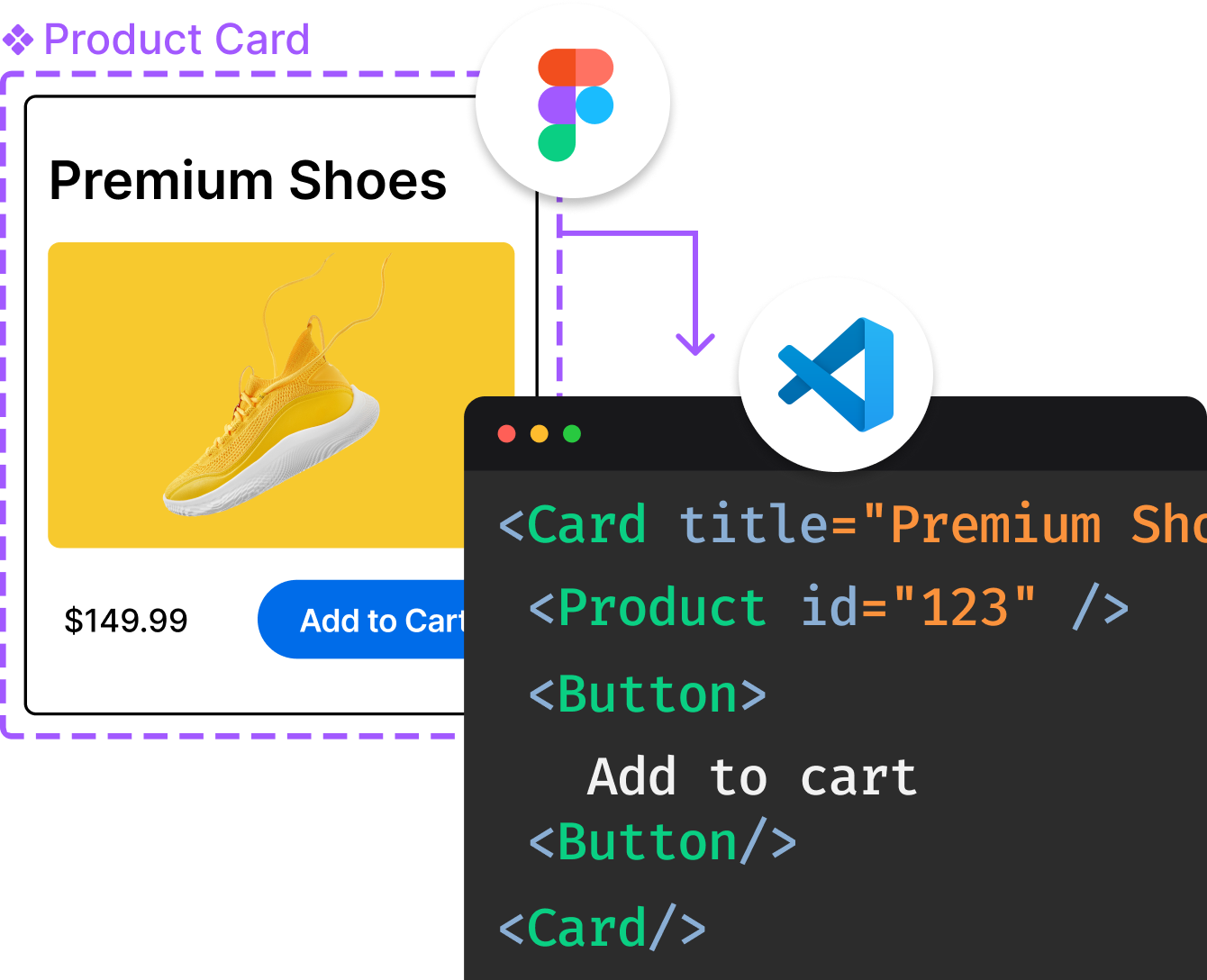
Introducing Visual Copilot: A new AI model to turn Figma designs to high quality code using your components.
Try Visual CopilotREADME
Cucumber-Rails


Cucumber-Rails brings Cucumber to Rails 6.1, 7.x, and 8.x.
NB: Rails 6.1 is no longer directly supported in modern versions of ruby. This will soon be discontinued in our support
Installation
Before you can use the generator, add the gem to your project's Gemfile as follows:
group :test do
  gem 'cucumber-rails', require: false
  # database_cleaner is not required, but highly recommended
  gem 'database_cleaner'
end
Then install it by running:
bundle install
Learn about the various options:
rails generate cucumber:install --help
Finally, bootstrap your Rails app, for example:
rails generate cucumber:install
Running Cucumber
[bundle exec] cucumber
Configuration options
By default, cucumber-rails runs DatabaseCleaner.start and DatabaseCleaner.clean
before and after your scenarios. You can disable this behaviour like so:
# features/support/env.rb
# ...
Cucumber::Rails::Database.autorun_database_cleaner = false
By default, cucumber-rails will auto mix-in the helpers from Rack::Test into your default Cucumber World instance.
You can prevent this behaviour like so:
# features/support/env.rb
ENV['CR_REMOVE_RACK_TEST_HELPERS'] = 'true'
Upgrading from a previous version
When upgrading from a previous version it is recommended that you rerun:
rails generate cucumber:install
Bugs and feature requests
The only way to have a bug fixed or a new feature accepted is to describe it with a Cucumber feature. Let's say you think you have found a bug in the cucumber:install generator. Fork this project, clone it to your workstation and check out a branch with a descriptive name:
git clone git@github.com:you/cucumber-rails.git
git checkout -b bugfix/generator-fails-on-bundle-exec
Start by making sure you can run the existing features. Now, create a feature that demonstrates what's wrong. See the existing features for examples. When you have a failing feature that reproduces the bug, commit, push and send a pull request. Someone from the Cucumber-Rails team will review it and hopefully create a fix.
If you know how to fix the bug yourself, make a second commit (after committing the failing feature) before you send the pull request.
Setting up your environment
Make sure you have a supported ruby installed, cd into your cucumber-rails repository and run
gem install bundler
bundle install
bin/install_geckodriver.sh
bin/install_webpacker.sh
Running all tests
With all dependencies installed, all specs and features should pass:
[bundle exec] rake
Running Appraisal suite
In order to test against multiple versions of key dependencies, the Appraisal
gem is used to generate multiple gemfiles, stored in the gemfiles/ directory.
Normally these will only run on GitHub via GitHub Actions; however if you want to run the full test
suite against all gemfiles, run the following commands:
[bundle exec] appraisal install
[bundle exec] appraisal rake test
To run the suite against a named gemfile, use the following:
[bundle exec] appraisal rails_8_0 rake test
Adding dependencies
To support the multiple-gemfile testing, when adding a new dependency the following rules apply:
- If it's a runtime dependency of the gem, add it to the gemspec
- If it's a primary development dependency, add it to the gemspec
- If it's a dependency of a generated rails app in a test, add it to the helper method that modifies the
Gemfile
For example, rspec is a primary development dependency, so it lives in the gemspec.
Top Related Projects
Ruby on Rails
RSpec for Rails 7+
A library for setting up Ruby objects as test data.
Acceptance test framework for web applications
A library for generating fake data such as names, addresses, and phone numbers.
Convert designs to code with AI
Introducing Visual Copilot: A new AI model to turn Figma designs to high quality code using your components.
Try Visual Copilot