 jx
Jenkins X provides automated CI+CD for Kubernetes with Preview Environments on Pull Requests using Cloud Native pipelines from Tekton
Top Related Projects

Jenkins automation server

Declarative Continuous Deployment for Kubernetes

Successor: https://github.com/fluxcd/flux2

Spinnaker is an open source, multi-cloud continuous delivery platform for releasing software changes with high velocity and confidence.

A cloud-native Pipeline resource.
Quick Overview
Jenkins X is an open-source project that automates continuous integration and continuous delivery (CI/CD) for cloud-native applications on Kubernetes. It provides a modern, GitOps-based approach to software development, streamlining the process of building, testing, and deploying applications to Kubernetes clusters.
Pros
- Automated CI/CD pipelines for Kubernetes environments
- Built-in GitOps workflow for managing infrastructure and applications
- Integrated with popular cloud providers and tools
- Promotes best practices for cloud-native development
Cons
- Steep learning curve for newcomers to Kubernetes and cloud-native concepts
- Can be resource-intensive for smaller projects or teams
- Limited support for non-Kubernetes environments
- Frequent updates may require ongoing maintenance and adaptation
Getting Started
To get started with Jenkins X, follow these steps:
-
Install the
jxCLI:curl -L "https://github.com/jenkins-x/jx/releases/download/$(curl --silent "https://github.com/jenkins-x/jx/releases/latest" | sed 's#.*tag/\(.*\)\".*#\1#')/jx-linux-amd64.tar.gz" | tar xzv "jx" sudo mv jx /usr/local/bin -
Create a new Kubernetes cluster with Jenkins X:
jx create cluster -
Create a new application:
jx create quickstart -
Promote your application to production:
jx promote --version 1.0.0 --env production
These steps will set up a basic Jenkins X environment and create a sample application with a CI/CD pipeline. For more detailed instructions and advanced usage, refer to the official Jenkins X documentation.
Competitor Comparisons
Jenkins automation server
Pros of Jenkins
- Mature and widely adopted CI/CD solution with extensive plugin ecosystem
- Supports a wide range of build environments and integration options
- Highly customizable and flexible for various project needs
Cons of Jenkins
- Can be complex to set up and maintain, especially for large-scale deployments
- Requires more manual configuration and management compared to modern CI/CD solutions
- Resource-intensive, potentially leading to performance issues on smaller systems
Code Comparison
Jenkins (Jenkinsfile):
pipeline {
    agent any
    stages {
        stage('Build') {
            steps {
                sh 'mvn clean package'
            }
        }
    }
}
JX (pipeline.yaml):
pipeline:
  agent:
    image: maven
  stages:
    - name: build
      steps:
      - sh: mvn clean package
Jenkins is a traditional CI/CD server with a rich feature set and extensive customization options. JX, on the other hand, is a modern, Kubernetes-native CI/CD solution focused on cloud-native applications and GitOps workflows. While Jenkins offers more flexibility for diverse project types, JX provides a more streamlined experience for cloud-native development and deployment.
Declarative Continuous Deployment for Kubernetes
Pros of Argo CD
- More focused on GitOps and continuous delivery, providing a streamlined approach to application deployment
- Offers a user-friendly web UI for visualizing and managing application deployments
- Supports multi-cluster deployments and advanced rollback capabilities
Cons of Argo CD
- Less integrated with CI pipelines compared to JX, which may require additional setup for end-to-end automation
- Limited built-in support for cloud-native development environments and preview environments
Code Comparison
Argo CD application definition:
apiVersion: argoproj.io/v1alpha1
kind: Application
metadata:
  name: myapp
spec:
  destination:
    namespace: default
    server: https://kubernetes.default.svc
  project: default
  source:
    path: k8s
    repoURL: https://github.com/example/myapp.git
    targetRevision: HEAD
JX pipeline definition:
pipeline:
  agent:
    image: golang
  stages:
  - name: Build
    steps:
    - sh: make build
  - name: Test
    steps:
    - sh: make test
Both projects aim to simplify Kubernetes deployments, but Argo CD focuses more on GitOps and continuous delivery, while JX provides a more comprehensive CI/CD solution with additional features for cloud-native development. Argo CD excels in application deployment visualization and management, while JX offers tighter integration with CI pipelines and development workflows.
Successor: https://github.com/fluxcd/flux2
Pros of Flux
- Lightweight and focused solely on GitOps for Kubernetes
- Supports multi-tenancy and works well in enterprise environments
- Integrates seamlessly with Helm for package management
Cons of Flux
- Less comprehensive CI/CD pipeline support compared to JX
- Steeper learning curve for users new to GitOps concepts
- Limited built-in UI options (relies on external tools like Weave Scope)
Code Comparison
Flux configuration example:
apiVersion: flux.weave.works/v1beta1
kind: HelmRelease
metadata:
  name: myapp
  namespace: default
spec:
  releaseName: myapp
  chart:
    git: https://github.com/myorg/myapp
    ref: master
    path: charts/myapp
JX pipeline example:
pipeline:
  agent:
    image: jenkinsxio/builder-go
  stages:
  - name: CI Build
    steps:
    - sh: make build
    - sh: jx step post build
Both projects aim to simplify Kubernetes deployments, but Flux focuses more on GitOps principles, while JX provides a more comprehensive CI/CD solution. Flux is better suited for organizations already familiar with GitOps, while JX offers a more guided experience for teams new to cloud-native development.
Spinnaker is an open source, multi-cloud continuous delivery platform for releasing software changes with high velocity and confidence.
Pros of Spinnaker
- More mature and widely adopted in enterprise environments
- Supports multi-cloud deployments with advanced pipeline management
- Offers a rich set of deployment strategies and rollback options
Cons of Spinnaker
- Steeper learning curve and more complex setup
- Requires more resources to run and maintain
- Less integrated with Kubernetes-native workflows
Code Comparison
JX (Jenkins X) pipeline example:
pipeline:
  agent:
    label: jenkins-go
  stages:
    - name: Build
      steps:
        - sh: make build
    - name: Test
      steps:
        - sh: make test
Spinnaker pipeline example:
{
  "stages": [
    {
      "type": "jenkins",
      "name": "Build",
      "job": "my-build-job"
    },
    {
      "type": "deploy",
      "name": "Deploy to Staging",
      "clusters": [...]
    }
  ]
}
Both JX and Spinnaker offer powerful CI/CD capabilities, but they cater to different use cases. JX is more focused on Kubernetes-native workflows and GitOps practices, while Spinnaker excels in complex, multi-cloud deployment scenarios with advanced pipeline management features. The choice between the two depends on your specific requirements, infrastructure, and team expertise.
A cloud-native Pipeline resource.
Pros of Pipeline
- More lightweight and focused solely on CI/CD pipelines
- Designed for cloud-native environments and Kubernetes
- Highly extensible with custom tasks and resources
Cons of Pipeline
- Steeper learning curve for newcomers to cloud-native technologies
- Less opinionated, requiring more setup and configuration
Code Comparison
Pipeline task definition:
apiVersion: tekton.dev/v1beta1
kind: Task
metadata:
  name: hello-world
spec:
  steps:
    - name: echo
      image: alpine
      command:
        - echo
      args:
        - "Hello World!"
JX pipeline definition:
pipeline:
  agent:
    image: alpine
  stages:
    - name: Say Hello
      steps:
        - sh: echo "Hello World!"
Summary
Pipeline offers a more flexible, cloud-native approach to CI/CD, while JX provides a more opinionated, integrated solution. Pipeline excels in Kubernetes environments but may require more setup. JX offers a smoother experience for teams transitioning to cloud-native practices but may be less adaptable for complex, custom workflows.
Convert  designs to code with AI
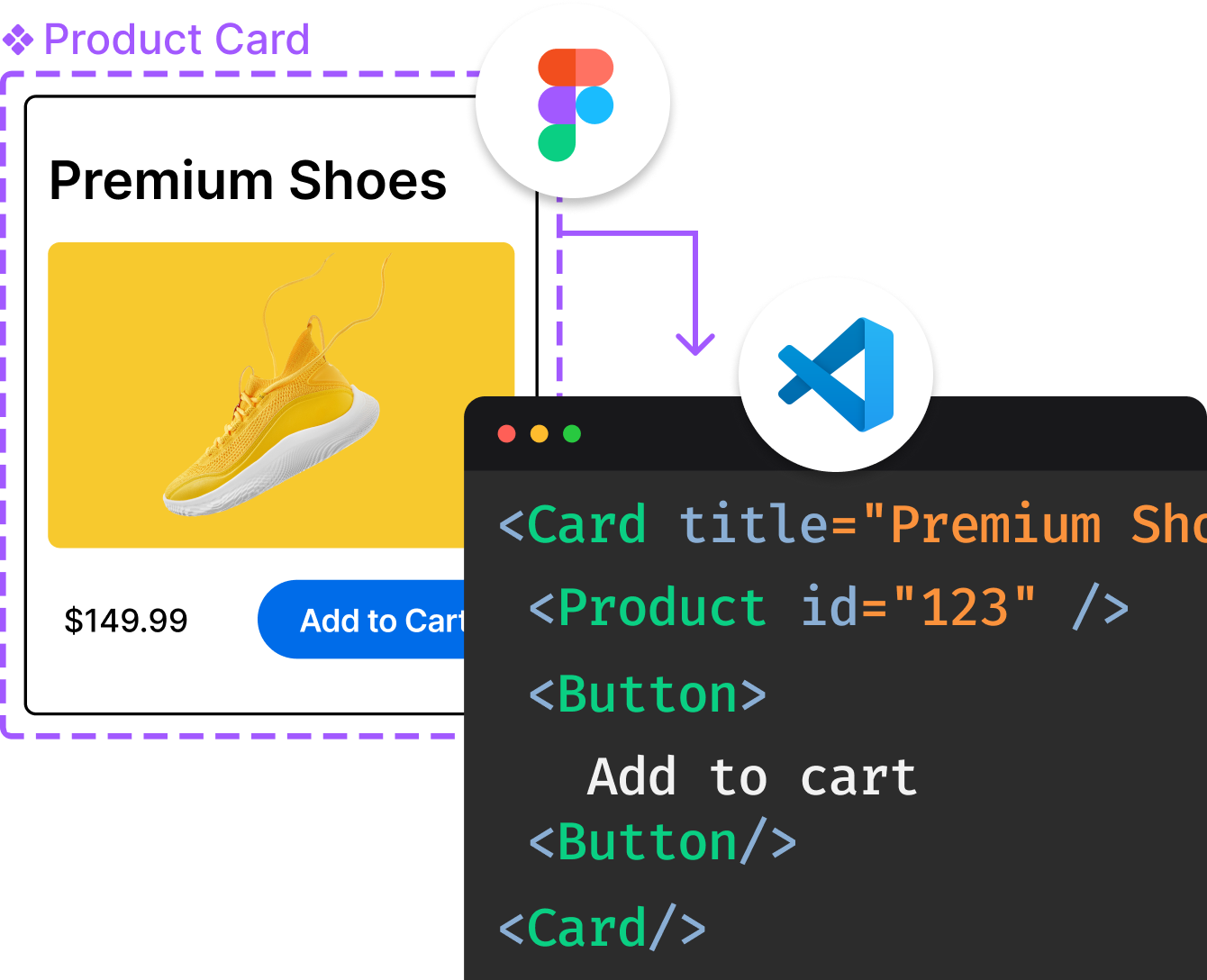
Introducing Visual Copilot: A new AI model to turn Figma designs to high quality code using your components.
Try Visual CopilotREADME
JayeX CLI


jx is the modular command line CLI for JayeX 3.x
Commands
See the jx command reference
Issues
To track issues in this repository and all the related Plugins use these links:
Plugins
You can browse the documentation for all of the jx plugins at:
Components
- jx-git-operator is an operator for triggering jobs when git commits are made
- octant-jx an open source JayeX UI for vmware-tanzu/octant
Libraries
These are the modular libraries which have been refactored out of the main jenkins-x/jx repository as part of the modularisation enhancement process
-
go-scm API for working with SCM providers
-
jx-api the core JX APIs
-
jx-helpers a bunch of utilities (mostly from the
utilpackage) refactored + no longer dependent on jenkins-x/jx -
jx-kube-client the core library for working with kube/jx/tekton clients
-
jx-logging logging APIs
-
lighthouse-client client library for working with lighthouse
Top Related Projects
Jenkins automation server
Declarative Continuous Deployment for Kubernetes
Successor: https://github.com/fluxcd/flux2
Spinnaker is an open source, multi-cloud continuous delivery platform for releasing software changes with high velocity and confidence.
A cloud-native Pipeline resource.
Convert designs to code with AI
Introducing Visual Copilot: A new AI model to turn Figma designs to high quality code using your components.
Try Visual Copilot