
Quick Overview
Error generating quick overview
Convert  designs to code with AI

Introducing Visual Copilot: A new AI model to turn Figma designs to high quality code using your components.
Try Visual CopilotREADME
Note :
openv0 is no longer maintained , the new project is Cofounder
openv0
project website - openv0.com
openv0 is a generative UI component framework
It allows you to AI generate and iterate on UI components, with live preview.
- openv0 makes use of open source component libraries and icons to build a library of assets for the generative pipeline.
- openv0 is highly modular, and structured for elaborate generative processes
- Component generation is a multipass pipeline - where every pass is a fully independent plugin
(say hi @n_raidenai ð)
Currently Supported
- Frontend frameworks
- React
- Next.js
- Svelte
- UI libraries
- NextUI
- Flowbite
- Shadcn
- Icons libraries
- Lucide
The latest openv0 update makes it easier to integrate new frameworks, libraries and plugins.
Docs & guides on how to do so will be soon posted.
Next updates :
- public explore+share web app on openv0.com (you can use the openv0 share API already)
- multimodal
UIrayvision model (more details soon) - better validation passes, more integrations & plugins
Demos
Current version
https://github.com/raidendotai/openv0/assets/127366981/a249cf0d-ae44-4155-a5c1-fc2528bf05b5
Previous version
Install
- Open your terminal and run
npx openv0@latest
It will download openv0, configure it based on your choices & install dependencies. Then :
- Start the local server + webapp
- start server
cd server && node api.js - start webapp
cd webapp && npm run dev
- start server
- Open you web browser, go to
http://localhost:5173/
That is all. Have fun ð
Alternatively - you can also clone this repo and install manually
To do so :
- Clone repo, run
npm iinserver/ - Unzip
server/library/icons/lucide/vectordb/index.zipinto that same folder - Configure your OpenAI key in
server/.env - Web apps starter templates are in
webapps-starters/- run
npm iin the web app starter of your choice - make sure that
WEBAPP_ROOTvariableserver/.envmatches your webapp folder path
- run
- Start the server with
node api.jsand the web app withnpm run dev
Try openv0
You can try openv0 (using React as a framework) with minimal configuration below
Replit
StackBlitz

How It Works
Multipass Workflow
A simple explanation is the following image
Codebase
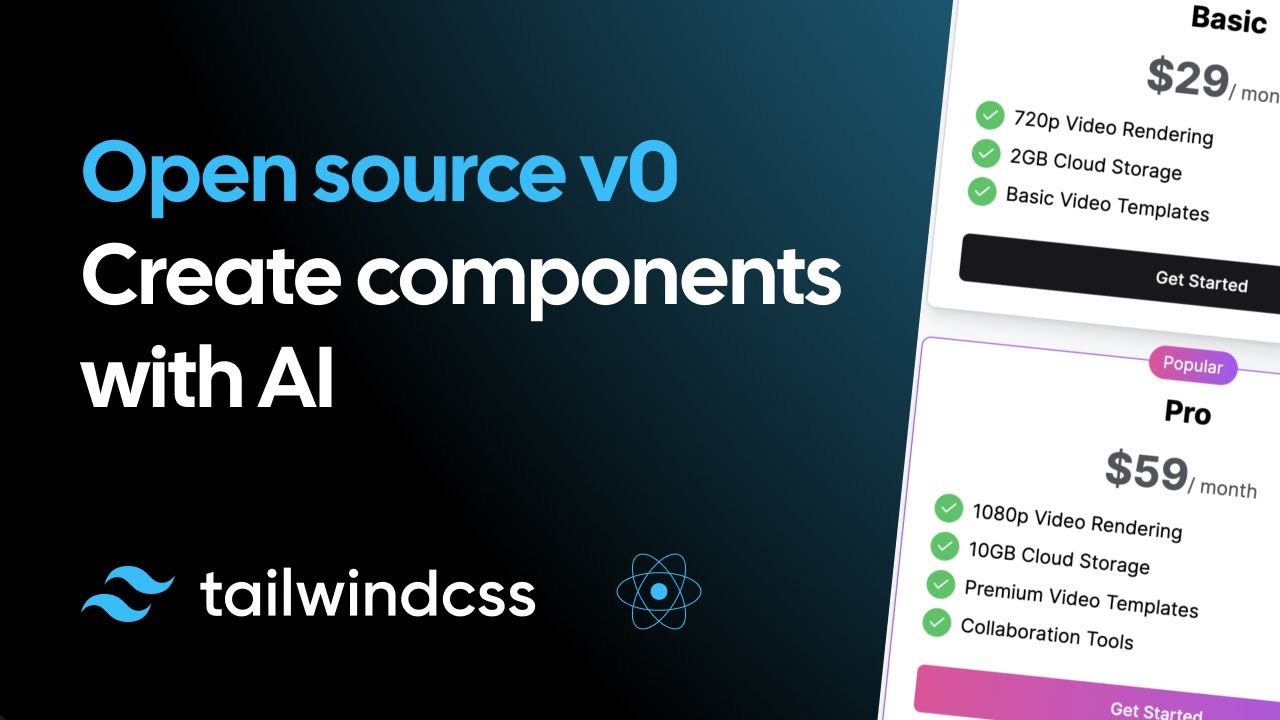
Youtube video by user @elie2222 explains parts of the previous openv0 code base
Convert designs to code with AI
Introducing Visual Copilot: A new AI model to turn Figma designs to high quality code using your components.
Try Visual Copilot