
Quick Overview
Error generating quick overview
Convert  designs to code with AI

Introducing Visual Copilot: A new AI model to turn Figma designs to high quality code using your components.
Try Visual CopilotREADME


RealSense SDK 2.0 is a cross-platform library for RealSense depth cameras. The SDK allows depth and color streaming, and provides intrinsic and extrinsic calibration information.






Important Notice
We are happy to announce that the RealSense GitHub repositories have been successfully migrated to the RealSenseAI organization. Please make sure to update your links to the new RealSenseAI organization for both cloning the repositories and accessing specific files within them.
https://github.com/IntelRealSense/librealsense --> https://github.com/realsenseai/librealsense
Note 1: A redirection from the previous name IntelRealSense is currently in place, but we cannot guarantee how long it will remain active. We recommend that all users update their references to point to the new GitHub location.
Note 2: Users who install the SDK via APT are required to update the APT key as explained in the following guide
Note 3: New closed-source libraries are available on our Perception Studio page. Recent drop includes close-range performance (min-z).
Branch Policy
We have updated our branch policy: From now on, we will also push beta releases to the master branch, so users can access up-to-date code and features. In the near future, beta binaries will also be pushed to public distribution servers (e.g., APT). The last validated official release can be found on our Releases page on GitHub.
Use Cases
Below are some of the many real-world applications powered by RealSense technology:
| Robotics | Depth Sensing | 3D Scanning |
|---|---|---|
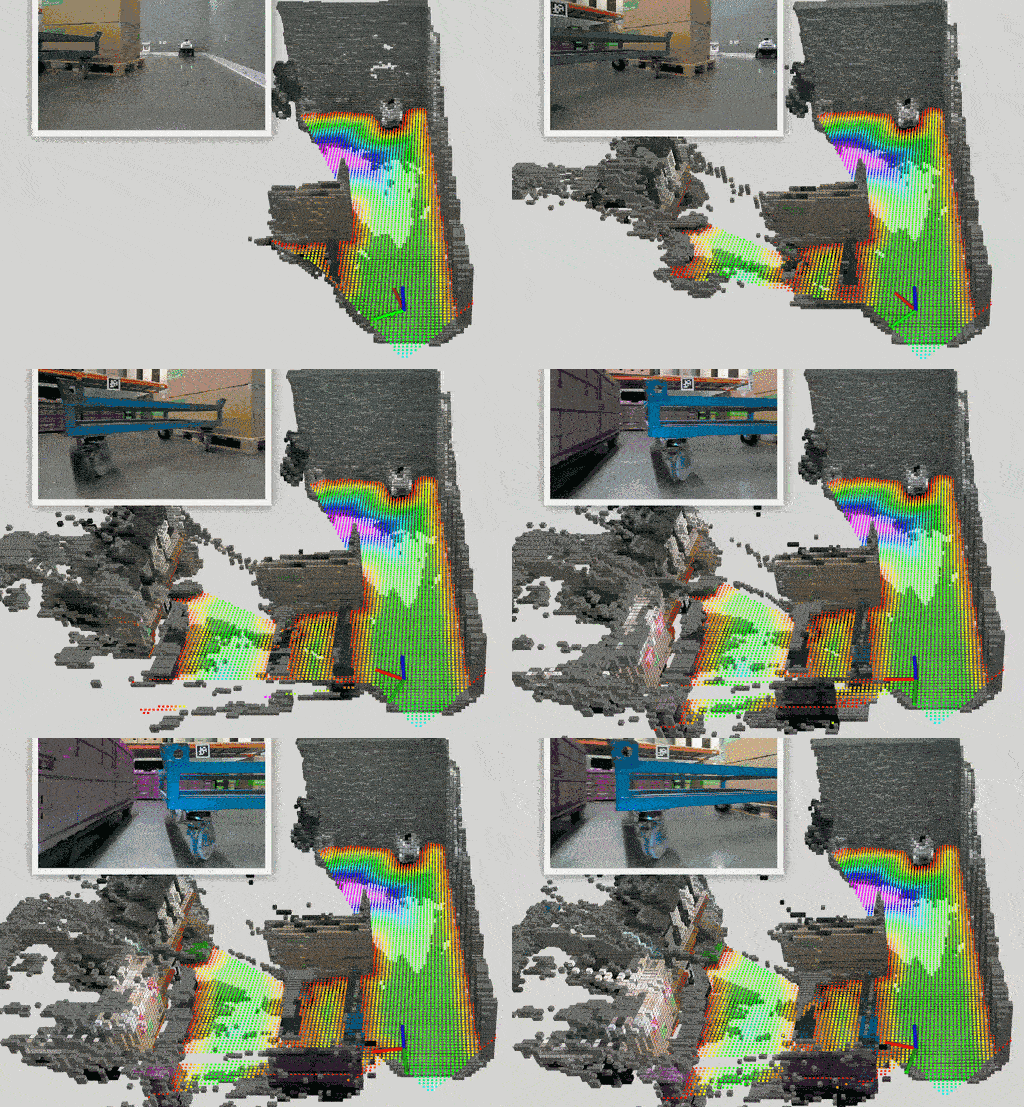 | 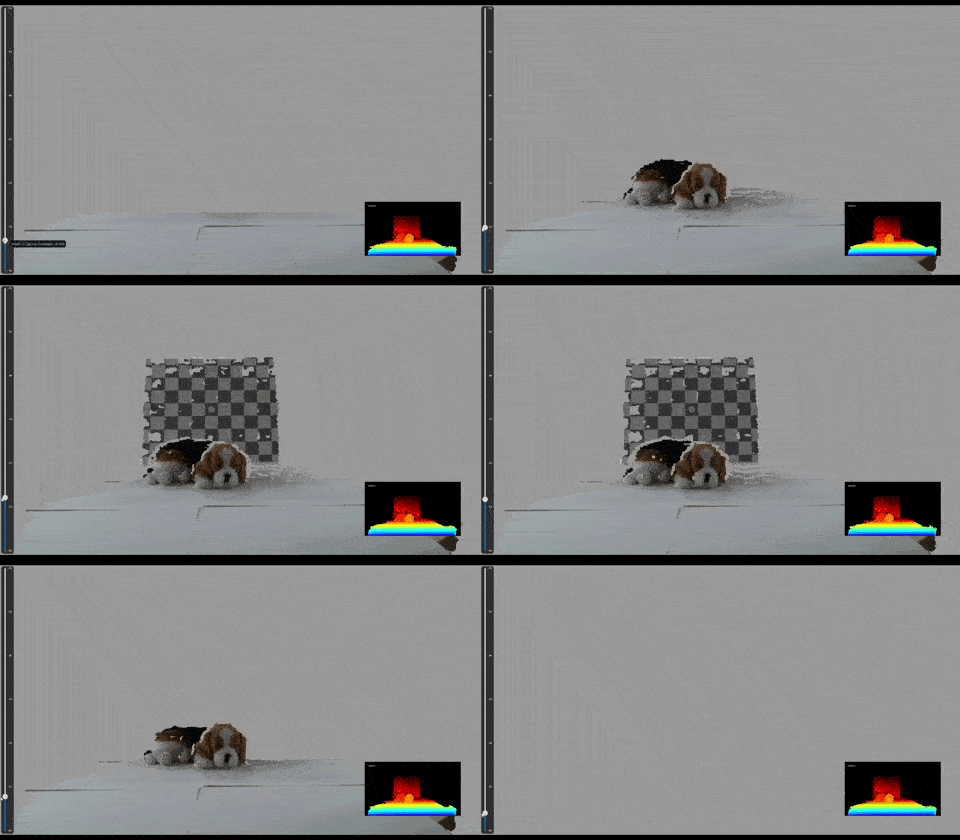 | 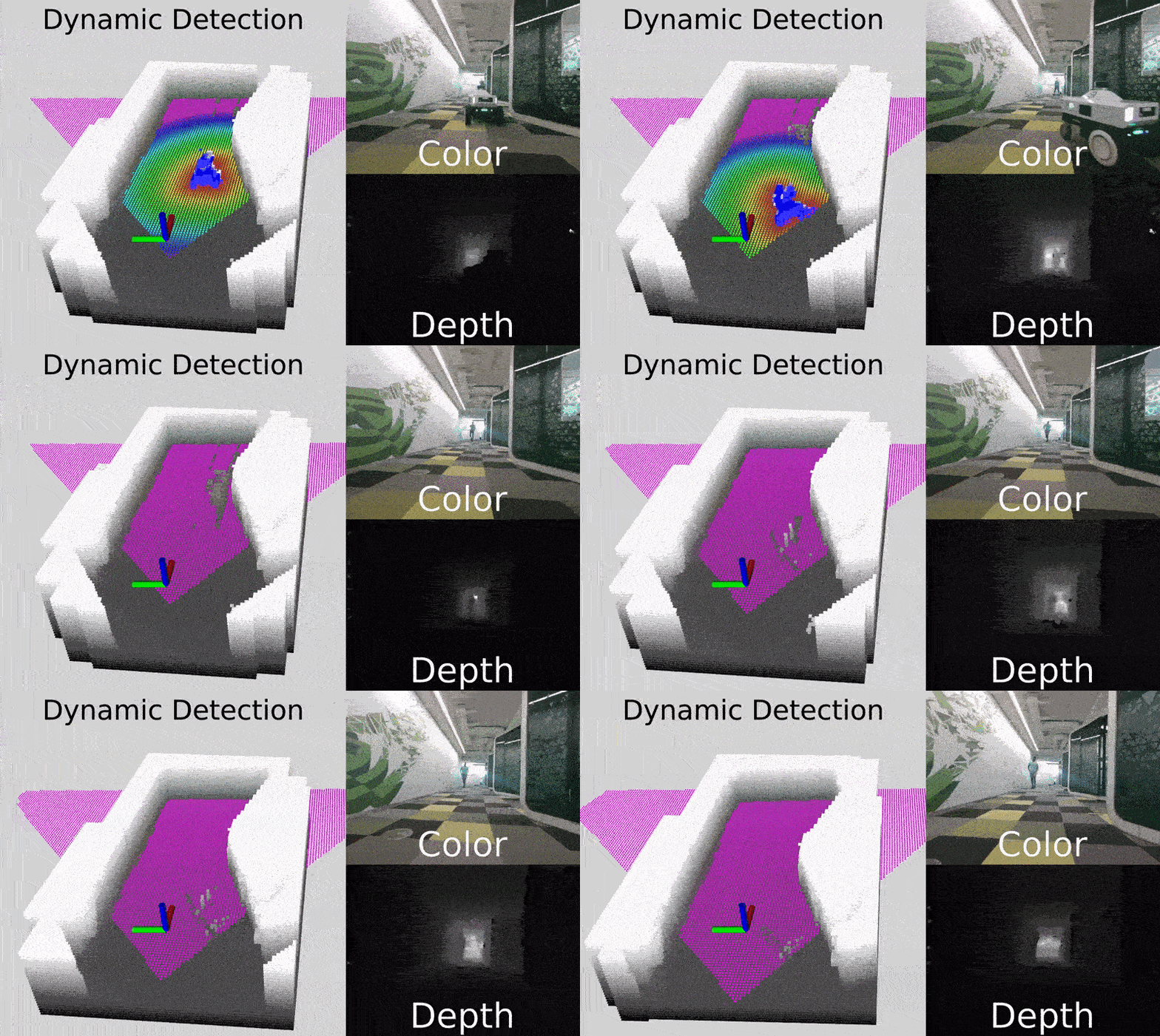 |
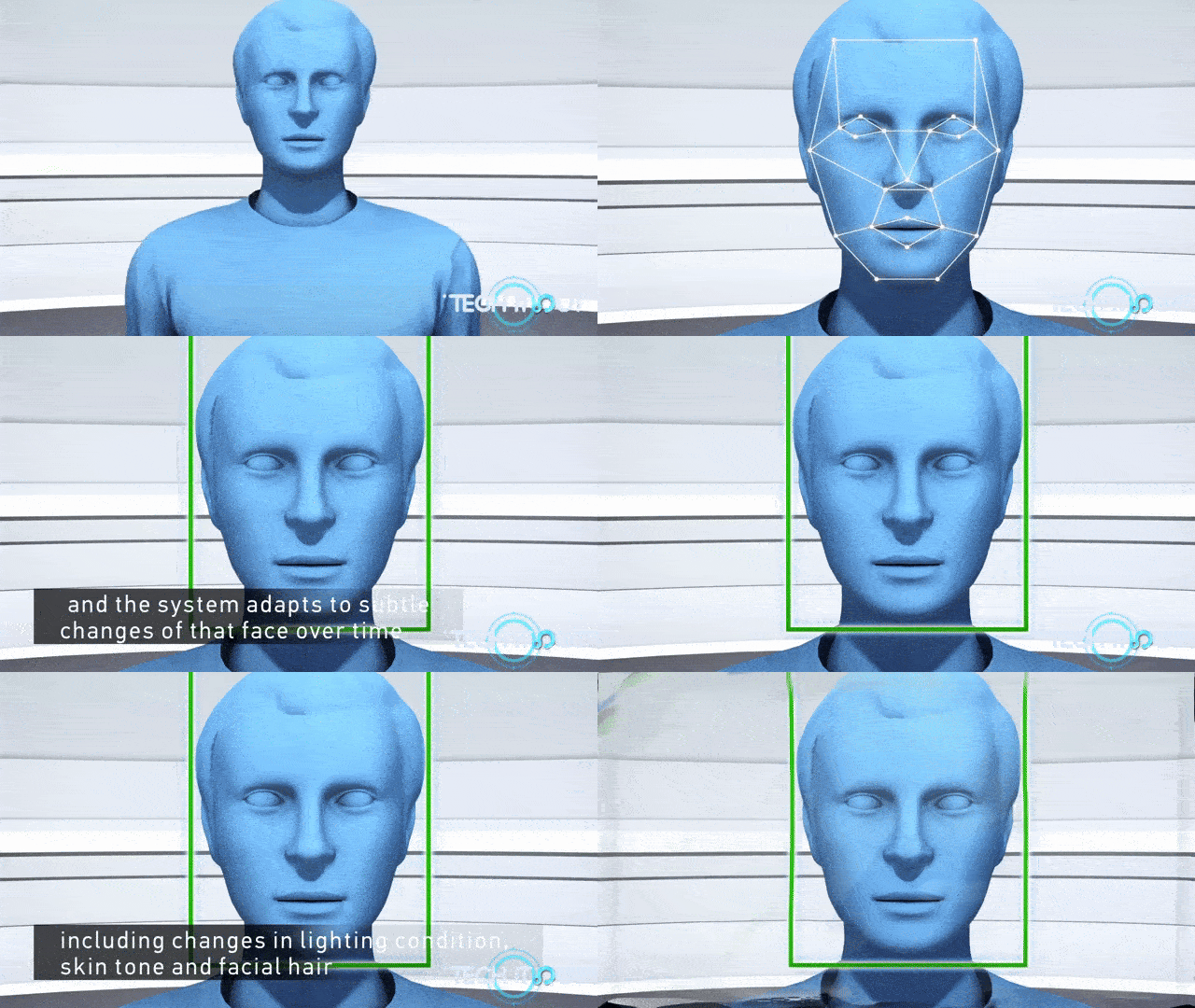
| Drones | Skeletal and People Tracking | Facial Authentication |
|---|---|---|
 | 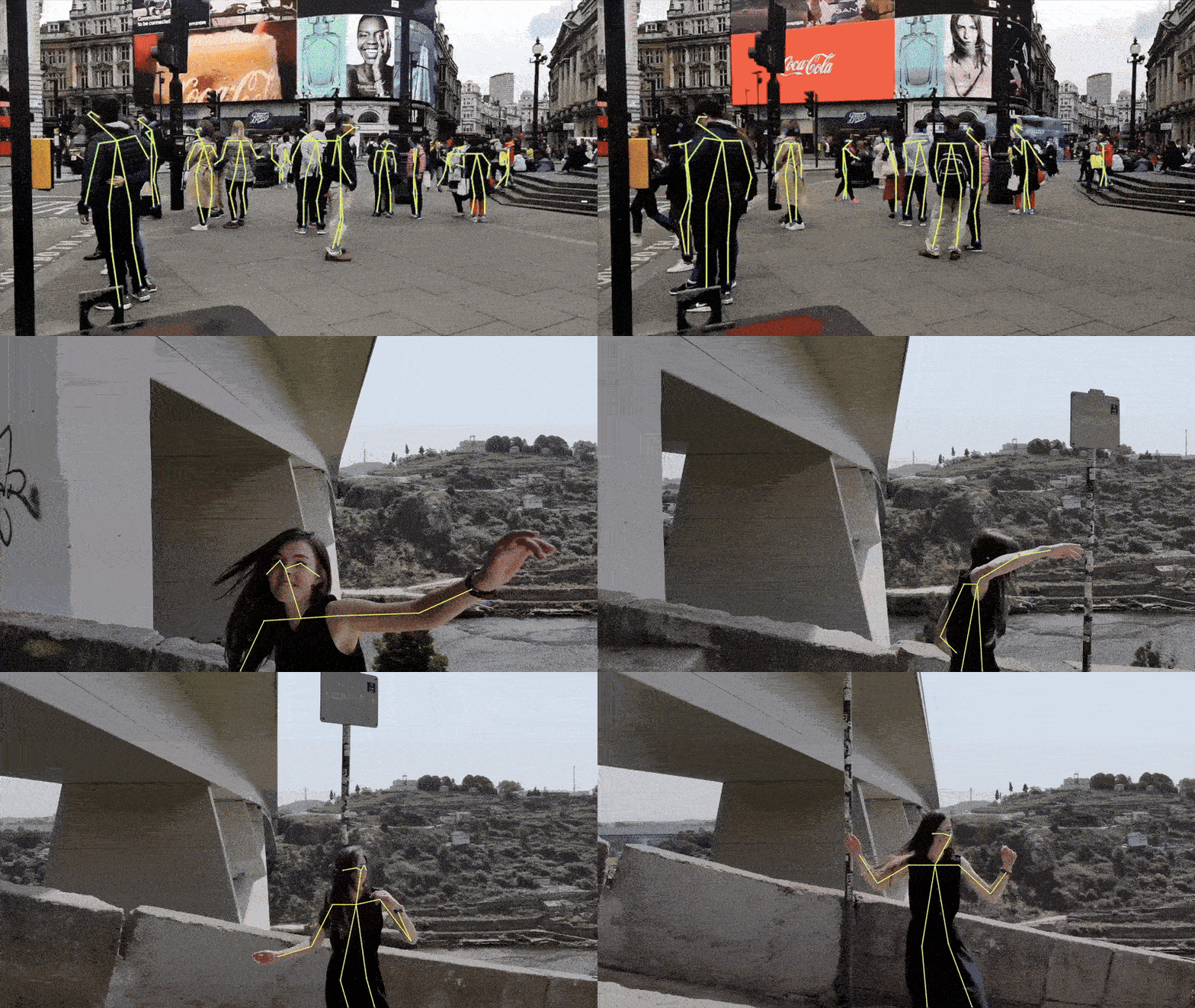 |  |
Why RealSense?
- High-resolution color and depth at close and long ranges
- Open source SDK with rich examples and wrappers (Python, ROS, C#, Unity and more...)
- Active developer community and defacto-standard 3D stereo camera for robotics
- Cross-platform support: Windows, Linux, macOS, Android, and Docker
Product Line
RealSense stereo depth products use stereo vision to calculate depth, providing high-quality performance in various lighting and environmental conditions.
Here are some examples of the supported models:
| Product | Image | Description |
|---|---|---|
| D555 PoE | 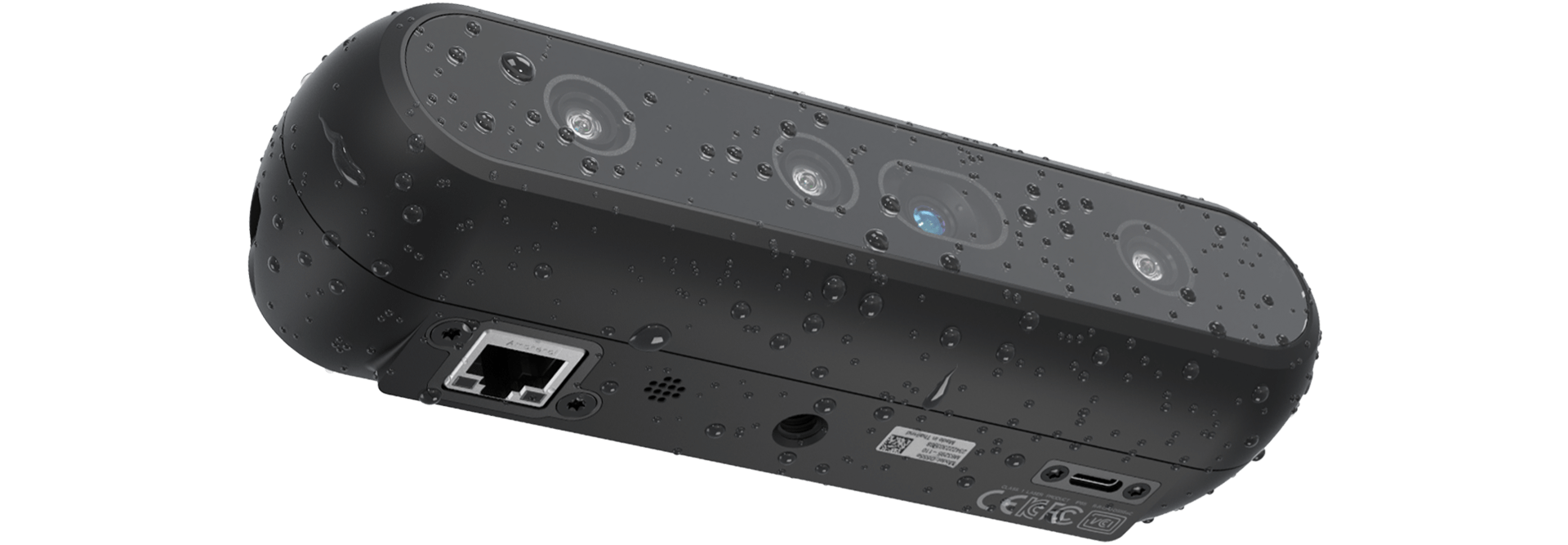 | The RealSense⢠Depth Camera D555 introduces Power over Ethernet (PoE) interface on chip, expanding our portfolio of USB and GMSL/FAKRA products. |
| D457 GMSL/FAKRA | 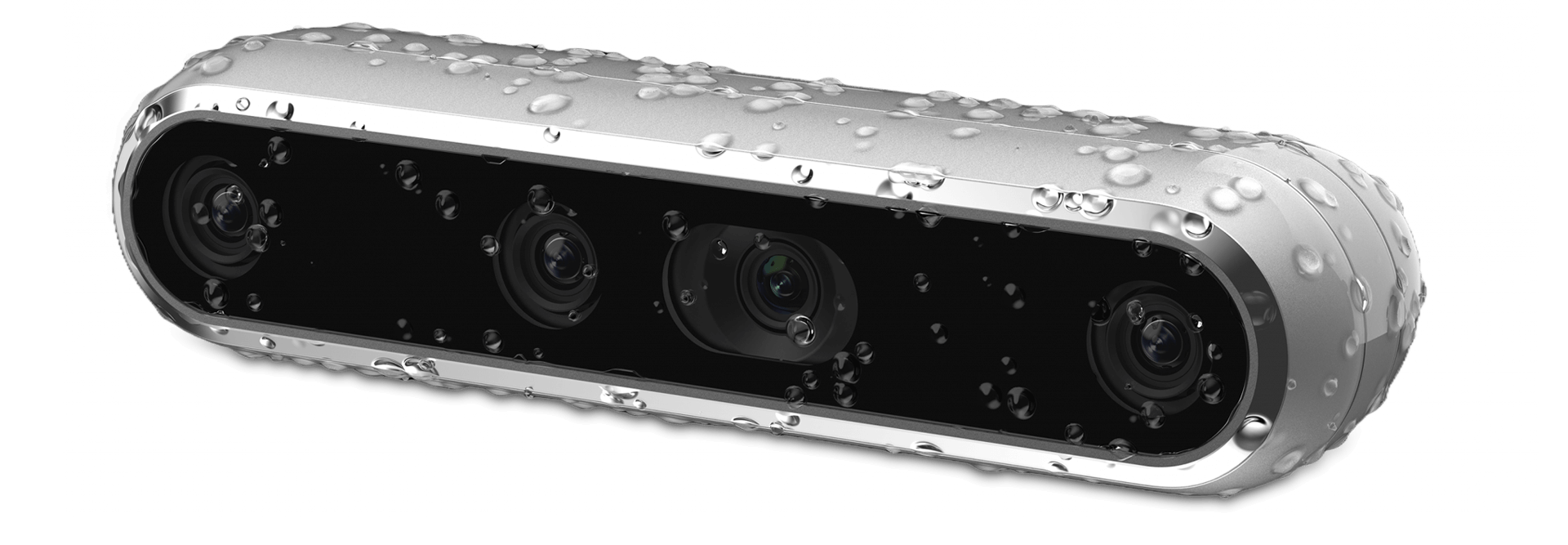 | The RealSense⢠Depth Camera D457 is our first GMSL/FAKRA high bandwidth stereo camera. The D457 has an IP65 grade enclosure protecting it from dust ingress and projected water. |
| D455 |  | The RealSense D455 is a long-range stereo depth camera with a 95 mm baseline, global-shutter depth sensors, an RGB sensor, and a built-in IMU, delivering accurate depth at distances up to 10 m.. |
| D435if | 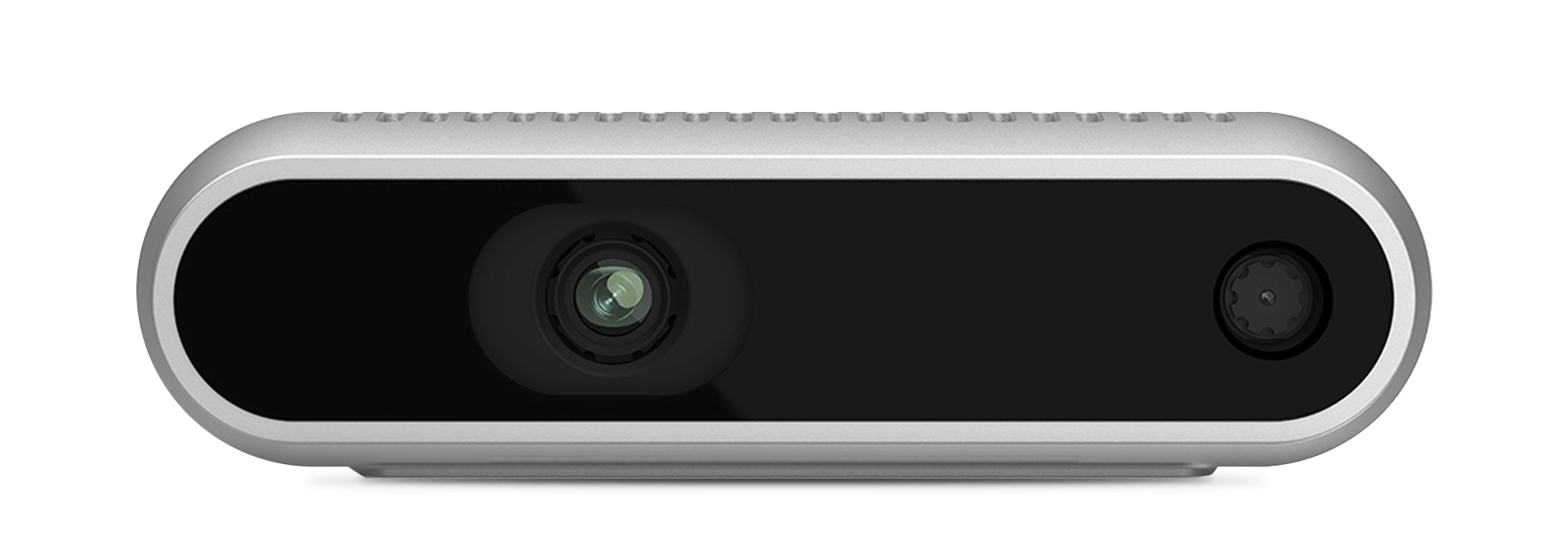 | The D435if is one of RealSense⢠Depth Camera with IR pass filter family expanding our portfolio targeting the growing robotic market. The D400f family utilizes an IR pass filter to enhance depth quality and performance range in many robotic environments. |
| D405 | 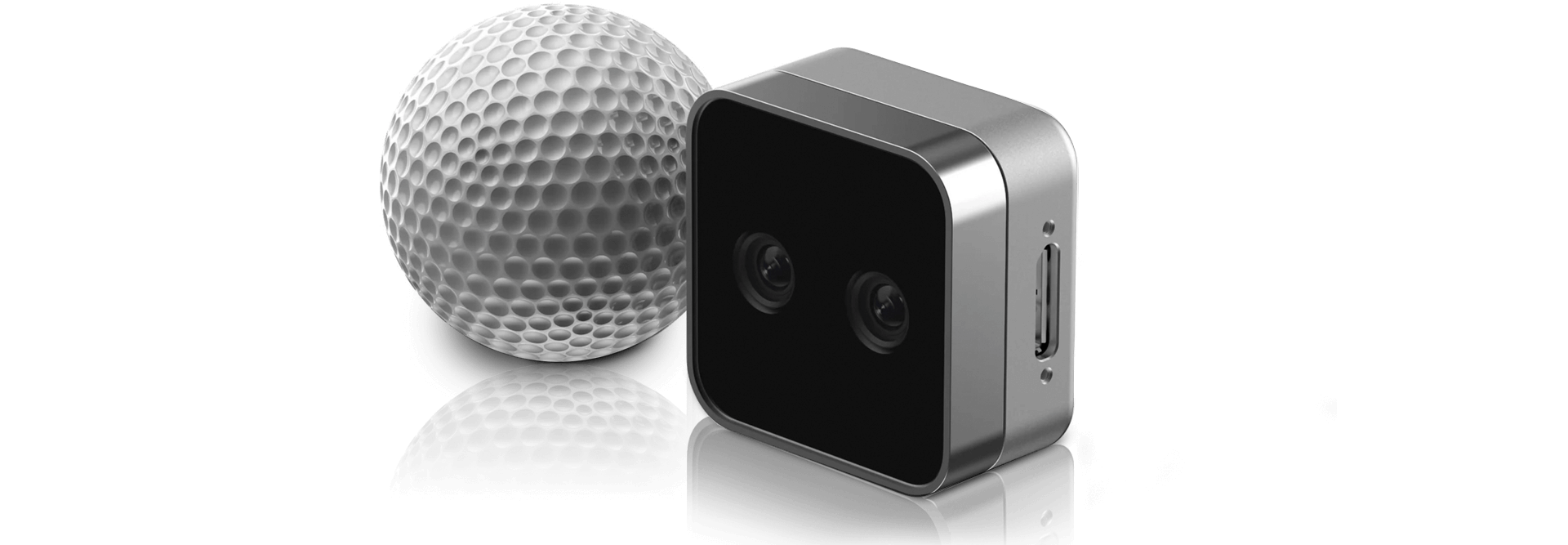 | The RealSense⢠Depth Camera D405 is a short-range stereo camera providing sub-millimeter accuracy for your close-range computer vision needs. |
ðï¸ Explore more stereo products
Getting Started
Start developing with RealSense in minutes using either method below.
1ï¸. Precompiled SDK
This is the best option if you want to plug in your camera and get started right away.
- Download the latest SDK bundle from the Releases page.
- Connect your RealSense camera.
- Run the included tools:
- RealSense Viewer: View streams, tune settings, record and playback.
- Depth Quality Tool: Measure accuracy and fill rate.
Setup Guides - precompiled SDK

Note: For minor releases, we publish Debian packages as release artifacts that you can download and install directly.
2ï¸. Build from Source
For a more custom installation, follow these steps to build the SDK from source.
- Clone the repository and create a build directory:
git clone https://github.com/realsenseai/librealsense.git cd librealsense mkdir build && cd build - Run CMake to configure the build:
cmake .. - Build the project:
cmake --build .
Setup Guides - build from source


Python Packages


Which should I use?
- Stable:
pyrealsense2â validated releases aligned with SDK tags (Recommended for most users). - Beta:
pyrealsense2-betaâ fresher builds for early access and testing. Expect faster updates.
Install
pip install pyrealsense2 # Stable
pip install pyrealsense2-beta # Beta
Both packages import as
pyrealsense2. Install only one at a time.
Ready to Hack!
Our library offers a high level API for using RealSense depth cameras (in addition to lower level ones). The following snippets show how to start streaming frames and extracting the depth value of a pixel:
C++
#include <librealsense2/rs.hpp>
#include <iostream>

int main() {
    rs2::pipeline p;                 // Top-level API for streaming & processing frames
    p.start();                       // Configure and start the pipeline

    while (true) {
        rs2::frameset frames = p.wait_for_frames();        // Block until frames arrive
        rs2::depth_frame depth = frames.get_depth_frame(); // Get depth frame
        if (!depth) continue;

        int w = depth.get_width(), h = depth.get_height();
        float dist = depth.get_distance(w/2, h/2);         // Distance to center pixel
        std::cout << "The camera is facing an object " << dist << " meters away\r";
    }
}
Python
import pyrealsense2 as rs

pipeline = rs.pipeline() # Create a pipeline
pipeline.start() # Start streaming

try:
    while True:
        frames = pipeline.wait_for_frames()
        depth_frame = frames.get_depth_frame()
        if not depth_frame:
            continue

        width, height = depth_frame.get_width(), depth_frame.get_height()
        dist = depth_frame.get_distance(width // 2, height // 2)
        print(f"The camera is facing an object {dist:.3f} meters away", end="\r")

finally:
    pipeline.stop() # Stop streaming
For more information on the library, please follow our examples or tools, and read the documentation to learn more.
Supported Platforms
Operating Systems and Platforms
| Ubuntu | Windows | macOS High Sierra | Jetson | Raspberry Pi |
|---|---|---|---|---|
 |  |  |  |  |
Programming Languages and Wrappers
| C++ | C | C# | Python | ROS 2 | Rest API |
|---|---|---|---|---|---|
 |  |  |  |  |  |
For more platforms and wrappers look over here.
Full feature support varies by platform â refer to the release notes for details.
Community & Support
- ð Wiki & Docs
- ð Report Issues- Found a bug or want to contribute? Read our contribution guidelines.
ð Looking for legacy devices (F200, R200, LR200, ZR300)? Visit the legacy release.
You can find us at





Convert designs to code with AI
Introducing Visual Copilot: A new AI model to turn Figma designs to high quality code using your components.
Try Visual Copilot