 tailwind-dashboard-template
Mosaic Lite is a free admin dashboard template built on top of Tailwind CSS and fully coded in React. Made by
Top Related Projects

A utility-first CSS framework for rapid UI development.

Free and open-source admin dashboard template built with Tailwind CSS and Flowbite

David AI is a free and open-source collection of customizable, production-ready UI components built with Tailwind CSS.

Customizable admin dashboard template based on Angular 10+
Quick Overview
The cruip/tailwind-dashboard-template is a free and open-source admin dashboard template built with Tailwind CSS and Alpine.js. It provides a modern, responsive design for creating administrative interfaces quickly and efficiently.
Pros
- Ready-to-use components and layouts for rapid dashboard development
- Fully responsive design, ensuring compatibility across various devices
- Customizable and extendable using Tailwind CSS utility classes
- Lightweight and performant due to the use of Alpine.js for interactivity
Cons
- Limited advanced features compared to paid dashboard templates
- Requires knowledge of Tailwind CSS for extensive customization
- May need additional work to integrate with backend systems
- Documentation could be more comprehensive for complex use cases
Code Examples
<!-- Example of a responsive sidebar component -->
<div
  id="sidebar"
  class="flex flex-col absolute z-40 left-0 top-0 lg:static lg:left-auto lg:top-auto lg:translate-x-0 h-screen overflow-y-scroll lg:overflow-y-auto no-scrollbar w-64 lg:w-20 lg:sidebar-expanded:!w-64 2xl:!w-64 shrink-0 bg-slate-800 p-4 transition-all duration-200 ease-in-out"
  :class="sidebarOpen ? 'translate-x-0' : '-translate-x-64'"
  @click.outside="sidebarOpen = false"
  @keydown.escape.window="sidebarOpen = false"
  x-cloak
>
  <!-- Sidebar content goes here -->
</div>
<!-- Example of a dashboard card component -->
<div class="flex flex-col col-span-full sm:col-span-6 xl:col-span-4 bg-white shadow-lg rounded-sm border border-slate-200">
  <div class="px-5 pt-5">
    <header class="flex justify-between items-start mb-2">
      <!-- Card header content -->
    </header>
    <h2 class="text-lg font-semibold text-slate-800 mb-2">Acme Plus</h2>
    <div class="text-xs font-semibold text-slate-400 uppercase mb-1">Sales</div>
    <div class="flex items-start">
      <div class="text-3xl font-bold text-slate-800 mr-2">$24,780</div>
      <div class="text-sm font-semibold text-white px-1.5 bg-green-500 rounded-full">+49%</div>
    </div>
  </div>
  <!-- Card footer -->
</div>
Getting Started
-
Clone the repository:
git clone https://github.com/cruip/tailwind-dashboard-template.git -
Navigate to the project directory:
cd tailwind-dashboard-template -
Install dependencies:
npm install -
Start the development server:
npm run dev -
Open your browser and visit
http://localhost:3000to see the dashboard template in action.
Competitor Comparisons
A utility-first CSS framework for rapid UI development.
Pros of Tailwind CSS
- Comprehensive utility-first CSS framework with extensive documentation
- Highly customizable and configurable to fit various project needs
- Large and active community, providing support and resources
Cons of Tailwind CSS
- Steeper learning curve for developers new to utility-first CSS
- Requires additional setup and configuration compared to pre-built templates
- Can lead to larger file sizes if not properly optimized
Code Comparison
Tailwind CSS (configuration):
module.exports = {
  theme: {
    extend: {
      colors: {
        'custom-blue': '#3490dc',
      },
    },
  },
  variants: {},
  plugins: [],
}
Tailwind Dashboard Template (usage):
<div class="bg-white shadow-md rounded px-8 pt-6 pb-8 mb-4">
  <h2 class="text-2xl font-bold mb-4">Dashboard</h2>
  <p class="text-gray-700 text-base">Welcome to your dashboard!</p>
</div>
The Tailwind CSS repository provides the core framework, allowing for extensive customization and flexibility. In contrast, the Tailwind Dashboard Template offers pre-built components and layouts, making it easier to quickly create a functional dashboard interface without extensive configuration.
Free and open-source admin dashboard template built with Tailwind CSS and Flowbite
Pros of flowbite-admin-dashboard
- More comprehensive component library with a wider range of UI elements
- Better documentation and examples for each component
- Active community support and regular updates
Cons of flowbite-admin-dashboard
- Larger file size and potentially slower load times
- Steeper learning curve due to more complex structure
- May require more customization to achieve a unique look
Code Comparison
tailwind-dashboard-template:
<div class="flex flex-col col-span-full sm:col-span-6 xl:col-span-4 bg-white shadow-lg rounded-sm border border-slate-200">
  <!-- Dashboard component content -->
</div>
flowbite-admin-dashboard:
<div class="p-4 bg-white border border-gray-200 rounded-lg shadow-sm dark:border-gray-700 sm:p-6 dark:bg-gray-800">
  <!-- Dashboard component content with dark mode support -->
</div>
The flowbite-admin-dashboard code snippet shows built-in dark mode support and more detailed styling classes, while the tailwind-dashboard-template uses a simpler structure with fewer utility classes.
David AI is a free and open-source collection of customizable, production-ready UI components built with Tailwind CSS.
Pros of David AI
- Offers AI-powered features and integrations
- Includes more advanced data visualization components
- Provides a more comprehensive set of UI elements and layouts
Cons of David AI
- Potentially steeper learning curve due to additional features
- May require more setup and configuration
- Could be overkill for simpler dashboard projects
Code Comparison
David AI example:
import { Chart } from "react-chartjs-2";
import { Card, CardHeader, CardBody, Progress } from "@material-tailwind/react";

export function StatisticsChart() {
  return (
    <Card>
      <CardHeader variant="gradient" color="blue" className="mb-8 p-6">
        <Chart type="bar" data={chartConfig} options={chartOptions} />
      </CardHeader>
      <CardBody className="px-6 pt-0">
        {/* Chart details */}
      </CardBody>
    </Card>
  );
}
Tailwind Dashboard Template example:
<div class="flex flex-col col-span-full sm:col-span-6 xl:col-span-4 bg-white shadow-lg rounded-sm border border-slate-200">
  <div class="px-5 pt-5">
    <header class="flex justify-between items-start mb-2">
      <!-- Header content -->
    </header>
    <h2 class="text-lg font-semibold text-slate-800 mb-2">Acme Advanced</h2>
    <div class="text-xs font-semibold text-slate-400 uppercase mb-1">Sales</div>
    <div class="flex items-start">
      <div class="text-3xl font-bold text-slate-800 mr-2">$17,489</div>
      <div class="text-sm font-semibold text-white px-1.5 bg-green-500 rounded-full">+29%</div>
    </div>
  </div>
  <!-- Chart -->
  <div class="grow">
    <!-- Chart content -->
  </div>
</div>
Customizable admin dashboard template based on Angular 10+
Pros of ngx-admin
- Built with Angular, offering a robust framework for large-scale applications
- Extensive set of pre-built components and modules for rapid development
- Supports multiple backend integrations (Node.js, .NET, Java, etc.)
Cons of ngx-admin
- Steeper learning curve for developers not familiar with Angular
- More complex setup and configuration compared to Tailwind-based solutions
- Potentially heavier and slower performance due to Angular's architecture
Code Comparison
ngx-admin (Angular component):
@Component({
  selector: 'ngx-dashboard',
  templateUrl: './dashboard.component.html',
})
export class DashboardComponent implements OnInit {
  // Component logic here
}
tailwind-dashboard-template (HTML with Tailwind classes):
<div class="flex flex-col min-h-screen overflow-hidden">
  <!-- Dashboard content here -->
</div>
The ngx-admin example showcases Angular's component-based structure, while the tailwind-dashboard-template demonstrates the use of utility classes for styling. ngx-admin requires TypeScript and Angular knowledge, whereas the Tailwind template is more accessible for developers familiar with HTML and CSS.
Convert  designs to code with AI
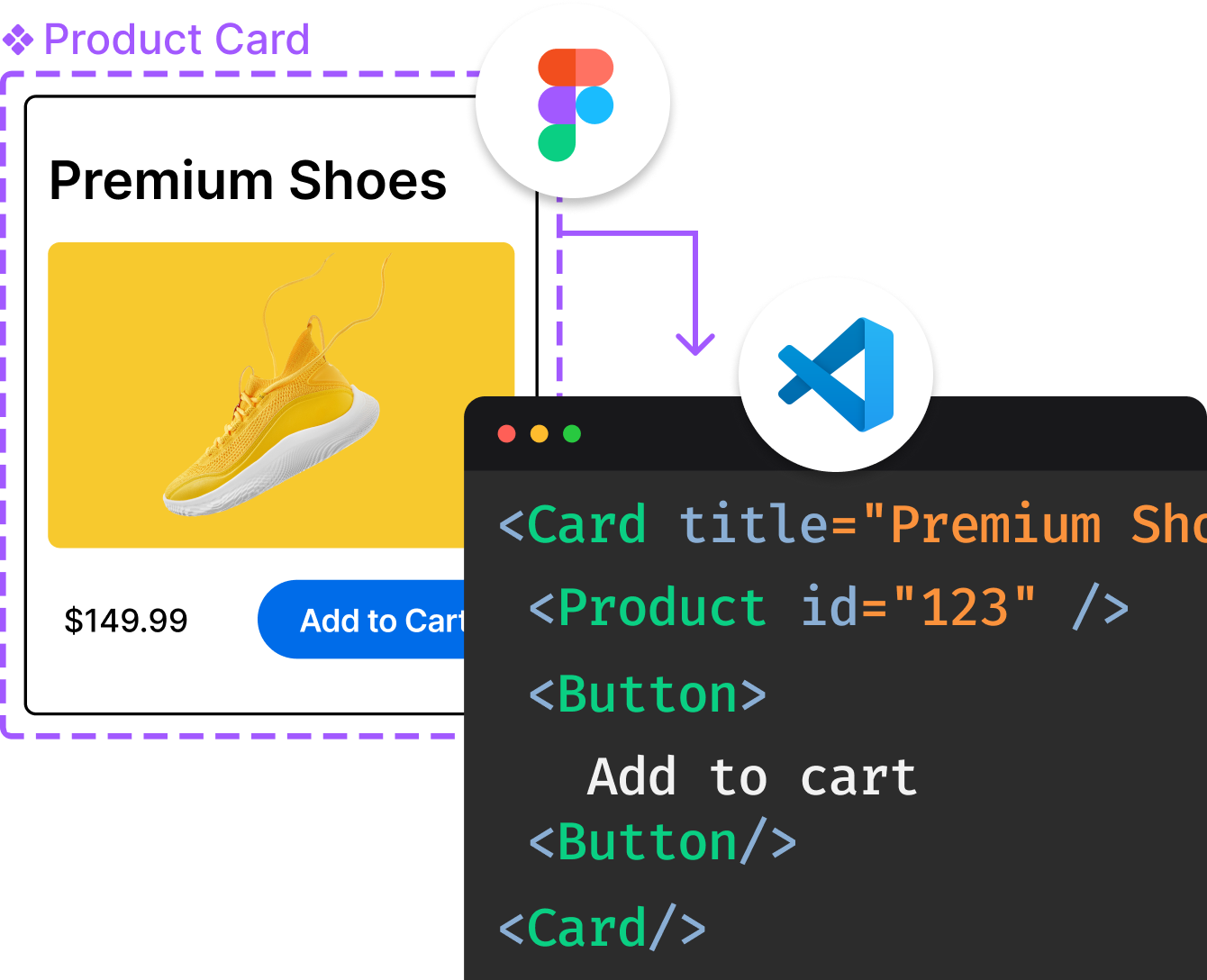
Introducing Visual Copilot: A new AI model to turn Figma designs to high quality code using your components.
Try Visual CopilotREADME
Free Tailwind admin dashboard template
Mosaic Lite is a responsive admin dashboard template built on top of Tailwind CSS and fully coded in React. It comes with several pre-coded charts (built with Chart.js 3) and widgets, and it's a great starting for anyone who wants to create a user interface for SaaS products, administrator dashboards, modern web apps, and more.
UPDATE 2025-02-02 Added Tailwind v4 support!
Use it for whatever you want, and be sure to reach us out on Twitter if you build anything cool/useful with it.
Created and maintained with â¤ï¸ by Cruip.com.
Live demo
Check the live demo here ðï¸ https://mosaic.cruip.com/
Mosaic Pro
Design files
If you need the design files, you can download them from Figma's Community ð https://bit.ly/3sigqHe
Table of contents
Usage
This project was bootstrapped with Vite.
Project setup
npm install
Compiles and hot-reloads for development
npm run dev
Compiles and minifies for production
npm run build
Customize configuration
Support notes
We are shipping our templates with a very basic React configuration to let you quickly get into the development process, but we don't discourage you from using any other configuration or framework built on the top of React. So, please note that any request dealing with React (e.g. extra features, customisations, et cetera) is to be considered out of the support scope.
For more information about what support covers, please see our (FAQs)[https://cruip.com/faq/].
Credits
Terms and License
- Released under the GPL.
- Copyright 2020 Cruip.
- Use it for personal and commercial projects, but please donât republish, redistribute, or resell the template.
- Attribution is not required, although it is really appreciated.
About Us
We're an Italian developer/designer duo creating high-quality design/code resources for developers, makers, and startups.
Stay in the loop
If you would like to know when we release new resources, you can follow @pacovitiello and @DavidePacilio on X, or you can subscribe to our newsletter.
Top Related Projects
A utility-first CSS framework for rapid UI development.
Free and open-source admin dashboard template built with Tailwind CSS and Flowbite
David AI is a free and open-source collection of customizable, production-ready UI components built with Tailwind CSS.
Customizable admin dashboard template based on Angular 10+
Convert designs to code with AI
Introducing Visual Copilot: A new AI model to turn Figma designs to high quality code using your components.
Try Visual Copilot