 flowbite-admin-dashboard
Free and open-source admin dashboard template built with Tailwind CSS and Flowbite
Top Related Projects

Free and open source admin dashboard UI kit built on Bootstrap: 100+ pages, 6,000+ icons, dark mode, RTL.

Free Bootstrap Admin & Dashboard Template Built for AI-Assisted Development

AdminLTE - Free admin dashboard template based on Bootstrap 5

Open-source components, blocks, and AI agents designed to speed up your workflow. Import them seamlessly into your favorite tools through Registry and MCPs.
Free admin dashboard template — vanilla JS, SCSS, Vite 8. No Bootstrap, no jQuery.

Free Bootstrap 5 admin/dashboard template
Quick Overview
Flowbite Admin Dashboard is a free and open-source admin dashboard template built with Tailwind CSS and Flowbite. It provides a modern and responsive interface for building admin panels, SAAS products, and other web applications. The project offers a variety of pre-built components and layouts to streamline the development process.
Pros
- Built with popular and modern technologies (Tailwind CSS, Flowbite)
- Responsive design that works well on various screen sizes
- Extensive collection of pre-built components and layouts
- Free and open-source, allowing for easy customization
Cons
- Limited documentation compared to some commercial alternatives
- May require knowledge of Tailwind CSS for extensive customization
- Some advanced features might be missing compared to paid admin templates
- Potential for conflicts with other CSS frameworks if not used carefully
Getting Started
To get started with Flowbite Admin Dashboard:
-
Clone the repository:
git clone https://github.com/themesberg/flowbite-admin-dashboard.git -
Navigate to the project directory:
cd flowbite-admin-dashboard -
Install dependencies:
npm install -
Start the development server:
npm run dev -
Open your browser and visit
http://localhost:3000to see the dashboard.
For more detailed instructions and customization options, refer to the project's README and documentation on GitHub.
Competitor Comparisons
Free and open source admin dashboard UI kit built on Bootstrap: 100+ pages, 6,000+ icons, dark mode, RTL.
Pros of Tabler
- More comprehensive UI kit with a wider range of components and layouts
- Better documentation and examples for developers
- Larger community and more frequent updates
Cons of Tabler
- Steeper learning curve due to its extensive feature set
- Potentially heavier and more complex for simpler projects
- May require more customization to achieve a unique look
Code Comparison
Tabler (HTML structure):
<div class="card">
  <div class="card-header">
    <h3 class="card-title">Card title</h3>
  </div>
  <div class="card-body">
    <p>Card content</p>
  </div>
</div>
Flowbite Admin Dashboard (Tailwind CSS classes):
<div class="p-4 bg-white rounded-lg shadow-md">
  <h3 class="text-xl font-bold mb-2">Card title</h3>
  <p>Card content</p>
</div>
Tabler uses more traditional CSS classes and a nested structure, while Flowbite Admin Dashboard leverages Tailwind CSS utility classes for a flatter HTML structure. Tabler's approach may be more familiar to developers used to traditional CSS frameworks, while Flowbite's approach aligns with the utility-first philosophy of Tailwind CSS.
Free Bootstrap Admin & Dashboard Template Built for AI-Assisted Development
Pros of CoreUI Free Bootstrap Admin Template
- More comprehensive documentation and examples
- Larger community and ecosystem with regular updates
- Wider range of pre-built components and layouts
Cons of CoreUI Free Bootstrap Admin Template
- Steeper learning curve due to more complex structure
- Heavier file size and potentially slower load times
- Less flexibility for customization without in-depth knowledge
Code Comparison
CoreUI Free Bootstrap Admin Template:
<body class="c-app">
  <div class="c-sidebar c-sidebar-dark c-sidebar-fixed c-sidebar-lg-show" id="sidebar">
    <!-- Sidebar content -->
  </div>
  <div class="c-wrapper c-fixed-components">
    <!-- Main content -->
  </div>
</body>
Flowbite Admin Dashboard:
<body class="bg-gray-50 dark:bg-gray-800">
  <nav class="fixed z-30 w-full bg-white border-b border-gray-200 dark:bg-gray-800 dark:border-gray-700">
    <!-- Navigation content -->
  </nav>
  <aside id="logo-sidebar" class="fixed top-0 left-0 z-40 w-64 h-screen pt-20 transition-transform -translate-x-full bg-white border-r border-gray-200 sm:translate-x-0 dark:bg-gray-800 dark:border-gray-700" aria-label="Sidebar">
    <!-- Sidebar content -->
  </aside>
</body>
Both templates use a similar structure with a sidebar and main content area, but CoreUI uses custom classes while Flowbite relies more on utility classes from Tailwind CSS.
AdminLTE - Free admin dashboard template based on Bootstrap 5
Pros of AdminLTE
- More mature and established project with a larger community
- Extensive documentation and examples
- Wider range of pre-built components and plugins
Cons of AdminLTE
- Less modern design aesthetic compared to Flowbite
- Heavier reliance on jQuery, which may be considered outdated
- Steeper learning curve for customization
Code Comparison
AdminLTE (jQuery-based):
$(function () {
  $('.sidebar-menu').tree()
  $('.daterange').daterangepicker()
  $('.knob').knob()
})
Flowbite (Tailwind CSS and vanilla JavaScript):
import { Datepicker } from 'flowbite-datepicker';
new Datepicker(document.getElementById('datepicker'));

import { Sidebar } from 'flowbite';
const sidebar = new Sidebar(document.getElementById('sidebar'));
The code comparison highlights the difference in approach between AdminLTE's jQuery-based implementation and Flowbite's more modern, modular JavaScript approach. Flowbite leverages Tailwind CSS for styling, resulting in cleaner HTML and easier customization. AdminLTE's code is more concise but relies heavily on jQuery plugins, which may not be ideal for modern web development practices.
Open-source components, blocks, and AI agents designed to speed up your workflow. Import them seamlessly into your favorite tools through Registry and MCPs.
Error generating comparison
Free admin dashboard template — vanilla JS, SCSS, Vite 8. No Bootstrap, no jQuery.
Pros of Gentelella
- More comprehensive and feature-rich dashboard template
- Includes a wider variety of UI components and layouts
- Better suited for complex enterprise applications
Cons of Gentelella
- Less modern design aesthetic compared to Flowbite
- Steeper learning curve due to its complexity
- Not built with Tailwind CSS, which may be preferred by some developers
Code Comparison
Gentelella (jQuery-based):
$('.collapse-link').on('click', function() {
    var $BOX_PANEL = $(this).closest('.x_panel'),
        $ICON = $(this).find('i'),
        $BOX_CONTENT = $BOX_PANEL.find('.x_content');

    $BOX_CONTENT.slideToggle(200);
    $BOX_PANEL.toggleClass('collapsed');
});
Flowbite (Tailwind CSS and JavaScript):
<button id="dropdownDefault" data-dropdown-toggle="dropdown" class="text-white bg-primary-700 hover:bg-primary-800 focus:ring-4 focus:outline-none focus:ring-primary-300 font-medium rounded-lg text-sm px-4 py-2.5 text-center inline-flex items-center dark:bg-primary-600 dark:hover:bg-primary-700 dark:focus:ring-primary-800" type="button">
    Dropdown button
    <svg class="w-4 h-4 ml-2" fill="none" stroke="currentColor" viewBox="0 0 24 24" xmlns="http://www.w3.org/2000/svg">
        <path stroke-linecap="round" stroke-linejoin="round" stroke-width="2" d="M19 9l-7 7-7-7"></path>
    </svg>
</button>
Free Bootstrap 5 admin/dashboard template
Pros of Vali Admin
- Lightweight and minimalistic design, potentially faster loading times
- Includes a variety of pre-built pages and components out of the box
- Uses vanilla JavaScript, reducing dependencies and potential conflicts
Cons of Vali Admin
- Less frequent updates and maintenance compared to Flowbite Admin Dashboard
- Smaller community and fewer resources available for support
- Limited integration with modern front-end frameworks
Code Comparison
Vali Admin (jQuery-based):
$('.datatable').DataTable({
  responsive: true,
  pagingType: 'full_numbers'
});
Flowbite Admin Dashboard (Tailwind CSS and JavaScript):
const datatable = new DataTable('#myTable', {
  columns: [
    { name: 'Name', width: '30%' },
    { name: 'Position', width: '25%' },
    // ...
  ]
});
Both admin dashboards offer responsive designs and customizable components. Vali Admin relies more on jQuery for functionality, while Flowbite Admin Dashboard leverages modern JavaScript and Tailwind CSS for styling. Flowbite provides a more up-to-date tech stack and active development, whereas Vali Admin offers a simpler, lightweight alternative with fewer dependencies.
Convert  designs to code with AI
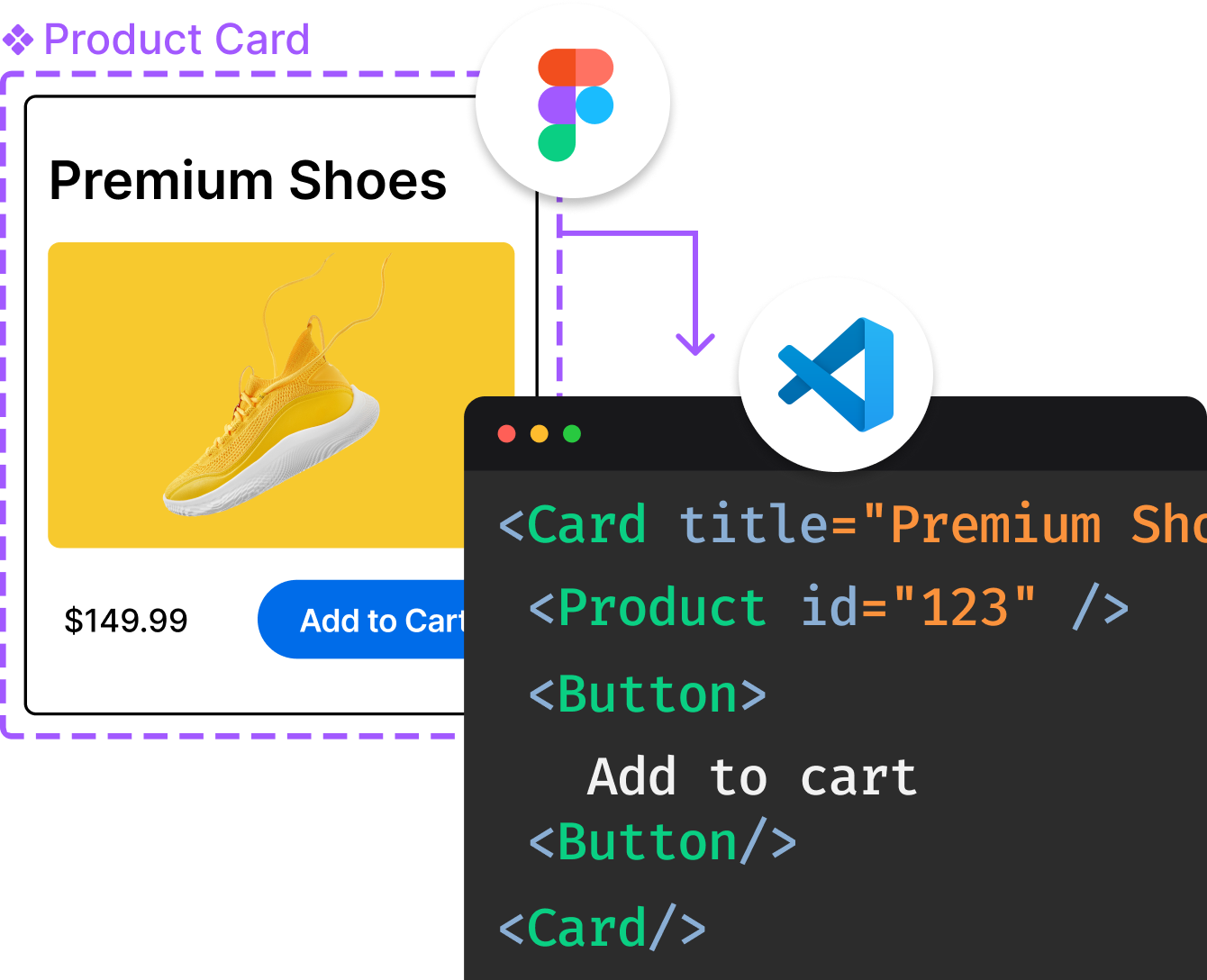
Introducing Visual Copilot: A new AI model to turn Figma designs to high quality code using your components.
Try Visual CopilotREADME
Flowbite Admin Dashboard 


This project is a free and open-source UI admin dashboard template built with the components from Flowbite and based on the utility-first Tailwind CSS framework featuring charts, tables, widgets, CRUD layouts, modals, drawers, and more.
This admin dashboard can quickly help you get started building an application for your project using the newest UI/UX development technologies in the open-source area including Tailwind CSS and Flowbite.
ð Built with Flowbite
The interactive components such as the navbars, modals, drawers, and tooltips are all based on the popular open-source component library called Flowbite which enables us to use these elements by creating more complex set of pages and widgets inside a fully-fledged admin dashboard template.
ð¨ Tailwind CSS utility classes
All of the pages, widgets, and components are solely based on the utility-first classes from Tailwind CSS and it is compatible with the latest v3.x of the technology by automatically purging all of the classes based on the template paths.
ð 15 example pages
Get started with 15 advanced examples pages including two different layouts of a dashboard's homepage full of charts widgets, tables, datepickers, and statistics and also with two CRUD layout pages for products, users, a settings page, authentication pages for login and register and even custom 404 and 500 error pages.
𧱠Advanced components
This admin dashboard contains many advanced components both from Flowbite but also from other third-party libraries such as ApexCharts which have been customly tailored with Tailwind CSS classes and designed based on the Flowbite Design System.
ð Flowbite documentation
If you want to use this project we recommend to also study the component library that we used to build this dashboard because you can use even more components from that library to enhance the examples that we've coded here already.
âï¸ Workflow
This product is built using the following widely used technologies:
- Tailwind CSS: tailwindcss.com
- Flowbite: flowbite.com
- HUGO gohugo.io
- Webpack webpack.js.org
Table of Contents
- Flowbite Admin Dashboard
- ð Built with Flowbite
- ð¨ Tailwind CSS utility classes
- ð 15 example pages
- 𧱠Advanced components
- ð Flowbite documentation
- âï¸ Workflow
- Table of Contents
- Demo pages
- Quick start
- File Structure
- Browser Support
- Resources
- Reporting Issues
- Technical Support or Questions
- Licensing
- Useful Links
- Authors
Demo pages
| Dashboard | Stacked Layout | Products (CRUD) |
|---|---|---|
 |  |  |
| Users (CRUD) | Settings | Pricing page |
|---|---|---|
 |  |  |
| Login page | Register page | Reset password |
|---|---|---|
 |  |  |
| Forgot password | Profile lock | Maintenance page |
|---|---|---|
 |  |  |
| 404 not found | 500 server error | Playground |
|---|---|---|
 |  |  |
Quick start
- Clone this repository or download the ZIP file
- Make sure that you have Node.js and NPM installed
- Install the project dependencies from the
package.jsonfile:
npm install
- Create a local server on
localhost:1313by running the following command:
npm run start
You can also build the project and get the distribution files inside the public/ folder by running:
npm run build
You can instantly upload your project to Vercel by selecting the default HUGO configuration, but depending on your own tech stack whether it's React.js, Vue, Nuxt.js, Next.js or a back-end framework you can also just copy the layouts from this project inside your own tech stack.
Here's a list of compatible technologies and guides for Flowbite and Tailwind CSS:
JavaScript Frameworks
The awesome open-source community also built and currently maintains the following standalone libraries for React, Vue, Svelte, and Angular:
- ð Flowbite React Library
- ð Flowbite Vue Library
- ð¸ Flowbite Svelte Library
- ð Flowbite Angular Library
We also wrote integration guides for the following front-end frameworks and libraries:
- ð Flowbite with React guide
- ð Flowbite with Next.js guide
- ð Flowbite with Vue guide
- ð Flowbite with Nuxt.js guide
- ð Flowbite with Svelte guide
Back-end Frameworks
Flowbite has a great integration with most of the back-end frameworks because it relies on vanilla JavaScript:
- ð Using Flowbite with Laravel
- ð Using Flowbite with Ruby on Rails 7
- ð¸ Using Flowbite with Django
- ð¶ Using Flowbite with Flask
File Structure
Within the download you'll find the following directories and files:
Flowbite Admin Dashboard
.
âââ LICENSE
âââ README.md
âââ config.yml
âââ content
âââ data
âââ layouts
âââ node_modules
âââ package-lock.json
âââ package.json
âââ postcss.config.js
âââ resources
âââ src
âââ static
âââ tailwind.config.js
âââ webpack.config.js
âââ yarn.lock
Browser Support
At present, we officially aim to support the last two versions of the following browsers:


Resources
- Live preview: https://flowbite-admin-dashboard.vercel.app/
- Flowbite documentation: https://flowbite.com/docs/getting-started/introduction/
- Tailwind CSS documentation: https://tailwindcss.com/
- License Agreement: https://flowbite.com/docs/getting-started/license/
- Issues: Github Issues Page
Reporting Issues
We use GitHub Issues as the official bug tracker for Flowbite Admin Dashboard. Here are some advices for our users that want to report an issue:
- Make sure that you are using the latest version of Flowbite Admin Dashboard. Check the CHANGELOG from your dashboard on the GitHub releases page.
- Providing us reproducible steps for the issue will shorten the time it takes for it to be fixed.
- Some issues may be browser specific, so specifying in what browser you encountered the issue might help.
Technical Support or Questions
If you have questions or need help integrating the product please contact us instead of opening an issue.
Licensing
- Copyright 2019-2023 Bergside Inc. (https://flowbite.com)
- Open-source under the MIT License
Useful Links
- ð Flowbite Library - Open-source components built with Tailwind CSS
- ð¨ Flowbite Figma - Design system built for Figma
- 𧱠Flowbite Blocks - Building sections for website and applications
- ð Flowbite Pro - A larger collection of the open-source version of the latter three
Authors
Top Related Projects
Free and open source admin dashboard UI kit built on Bootstrap: 100+ pages, 6,000+ icons, dark mode, RTL.
Free Bootstrap Admin & Dashboard Template Built for AI-Assisted Development
AdminLTE - Free admin dashboard template based on Bootstrap 5
Open-source components, blocks, and AI agents designed to speed up your workflow. Import them seamlessly into your favorite tools through Registry and MCPs.
Free admin dashboard template — vanilla JS, SCSS, Vite 8. No Bootstrap, no jQuery.
Free Bootstrap 5 admin/dashboard template
Convert designs to code with AI
Introducing Visual Copilot: A new AI model to turn Figma designs to high quality code using your components.
Try Visual Copilot